

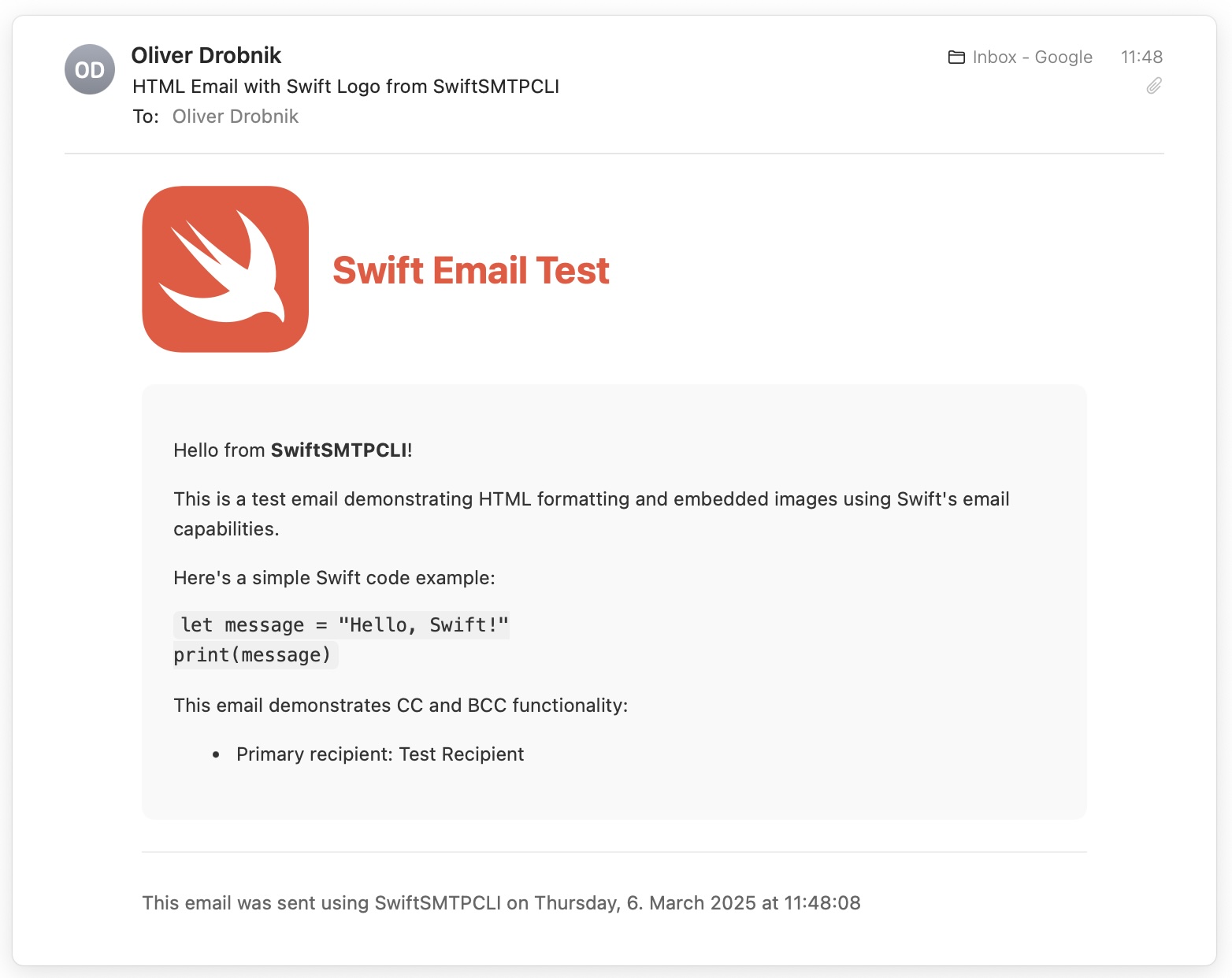
I’ve released SwiftMail today, a lightweight open-source Swift framework designed to simplify sending and receiving emails via IMAP and SMTP.
For AgentCorp, my Swift-based LLM agent framework, I needed a way to enable my AI agents to read and write emails. These agents would interact with users through email—reading new messages via IMAP and sending responses via SMTP. After exploring the Swift package landscape, I found only MailCore2 (last updated in 2020) and NIO IMAP as viable contenders. MailCore2 had build issues, and NIO IMAP, although promising, required significant additional work before it could be practically used.
SwiftMail bridges this gap by leveraging Apple’s Swift NIO framework and enhancing both IMAP and SMTP implementations into practical, developer-friendly packages. It provides easy-to-use APIs through Swift actors, simplifying authentication, secure connections, email retrieval, and sending.
Interestingly, the majority of SwiftMail’s code was generated by Cursor using its agent mode. With Cursor’s help, I reached this state in under a week, drastically condensing what would have otherwise taken several weeks of manual development. My role became one of chief architect, director, and occasionally chief roll-backer-to-a-good-state, since Cursor sometimes went off on tangents and implemented features I didn’t need.

Watch the announcement and demo on the YouTube Webcast.
Technical Background
SwiftMail leverages powerful underlying technology from Apple’s Swift NIO ecosystem, including NIO SSL, because modern IMAP and SMTP require secure encryption.
Specifically, SwiftMail builds upon:
- NIO IMAP: Apple’s IMAP abstraction, which offers foundational IMAP commands and responses but was initially cumbersome due to heavy reliance on promises.
- NIO SMTP Example: Apple’s basic SMTP demonstration project, useful as a starting point but lacking production readiness.
SwiftMail enhances these with an actor-based concurrency model, offering developers a simpler async/await interface. The result is user-friendly API actors—IMAPServer and SMTPServer—that encapsulate the complexity of IMAP and SMTP interactions.
Example Usage
Please marvel at the simplicity …
Swift IMAP Example:
import SwiftMail

let imapServer = IMAPServer(host: "imap.example.com", port: 993)
try await imapServer.connect()
try await imapServer.login(username: "user@example.com", password: "password")

let mailboxInfo = try await imapServer.selectMailbox("INBOX")
print("Mailbox has \(mailboxInfo.messageCount) messages")

if let latestMessagesSet = mailboxInfo.latest(10) {
    let emails = try await imapServer.fetchMessages(using: latestMessagesSet)
    for (index, email) in emails.enumerated() {
        print("[\(index + 1)] \(email.debugDescription)")
    }
}

try await imapServer.logout()
try await imapServer.close()
A command-line executable target SwiftIMAPCLI demonstrates Swift IMAP functionality, using credentials from a .env file located in the current working directory.
Swift SMTP Example:
import SwiftMail

let smtpServer = SMTPServer(host: "smtp.example.com", port: 587)
try await smtpServer.connect()
try await smtpServer.authenticate(username: "user@example.com", password: "password")

let sender = EmailAddress(address: "sender@example.com", name: "Sender Name")
let recipient = EmailAddress(address: "recipient@example.com", name: "Recipient Name")
let email = Email(
    sender: sender,
    recipients: [recipient],
    subject: "Hello from SwiftSMTP",
    body: "This is a test email sent using SwiftSMTP."
)

try await smtpServer.sendEmail(email)
try await smtpServer.disconnect()
Similarly, there’s a command-line executable target SwiftSMTPCLI demonstrating Swift SMTP functionality, configured using credentials from a .env file in the current working directory.
SwiftMail logs all network traffic at trace log level, which is particularly useful for debugging. The included CLI demos forward Swift Log messages to OSLog, which you can view conveniently in Console.app, categorized by IMAP_IN, IMAP_OUT, SMTP_IN, and SMTP_OUT. Enable detailed logging by setting the environment variable ENABLE_DEBUG_OUTPUT=1.
Future Plans
My vision for SwiftMail is closely tied to AgentCorp, my AI agent framework. Eventually, agents will draft, modify, and send emails seamlessly, imitating real-world workflows. SwiftMail is open-source, actively maintained, and welcomes community contributions and feedback.
Related
Categories: Parts