


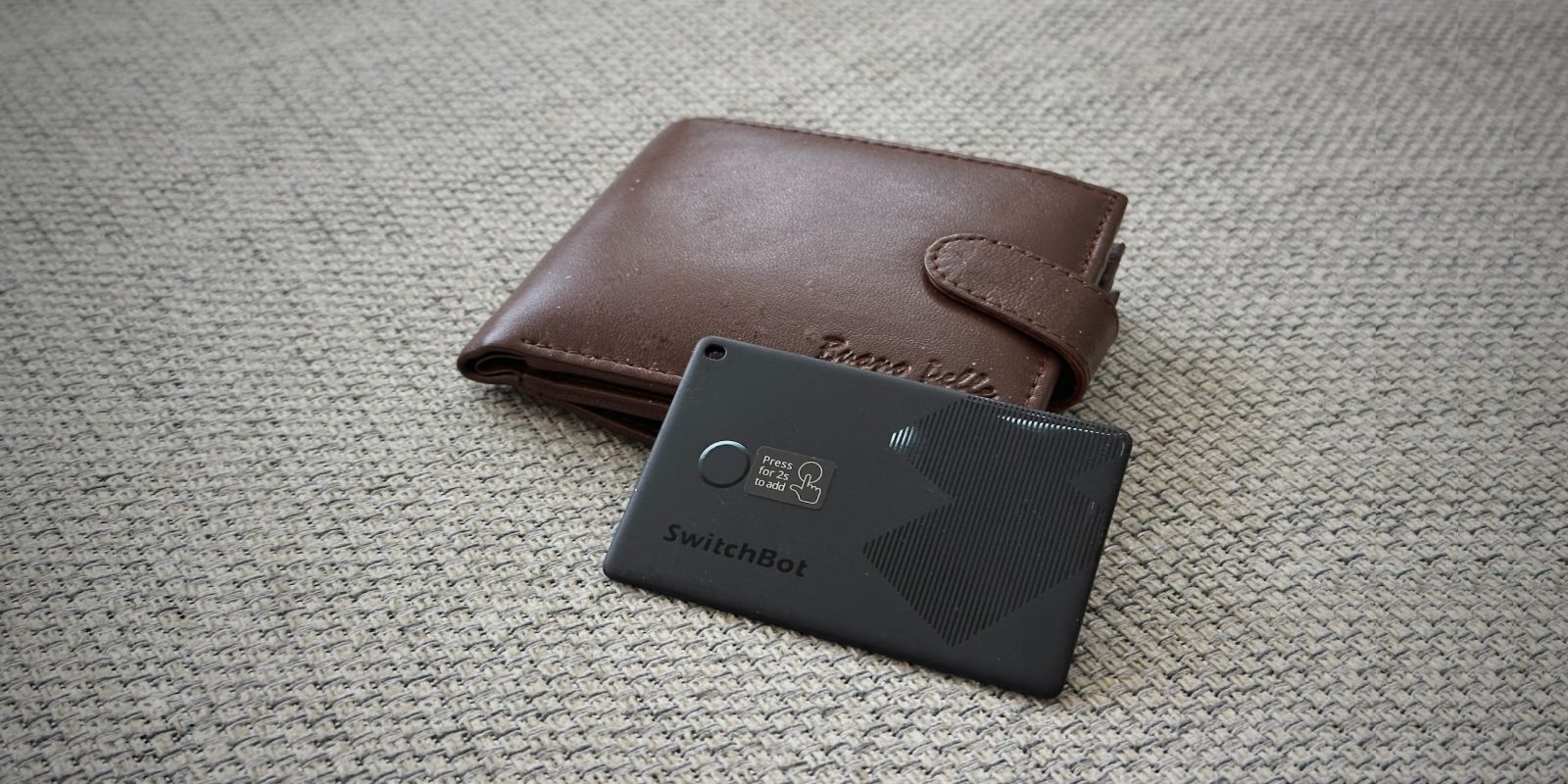
I have an AirTag on my keychain to keep track of my keys, but obviously an AirTag is too big and bulky to fit inside a wallet. That’s what the SwitchBot Wallet Finder is for.
Disguised inside a thin, credit-card form factor, the SwitchBot Wallet Finder connects to the Find My app on your iPhone, so you can follow its location, and it even houses a speaker so you can make it beep to help you find your wallet when it inevitably gets lost somewhere in your home. Read on for my review …
Setup
Setup is super simple. Although it ostensibly supports its own app and Android, I have used it solely through the Apple Find My app built into the phone. I didn’t even download the SwitchBot app at all. To set up, you open Find My, tap Add Item, and press and hold the button on the Wallet Finder card for a couple of seconds.
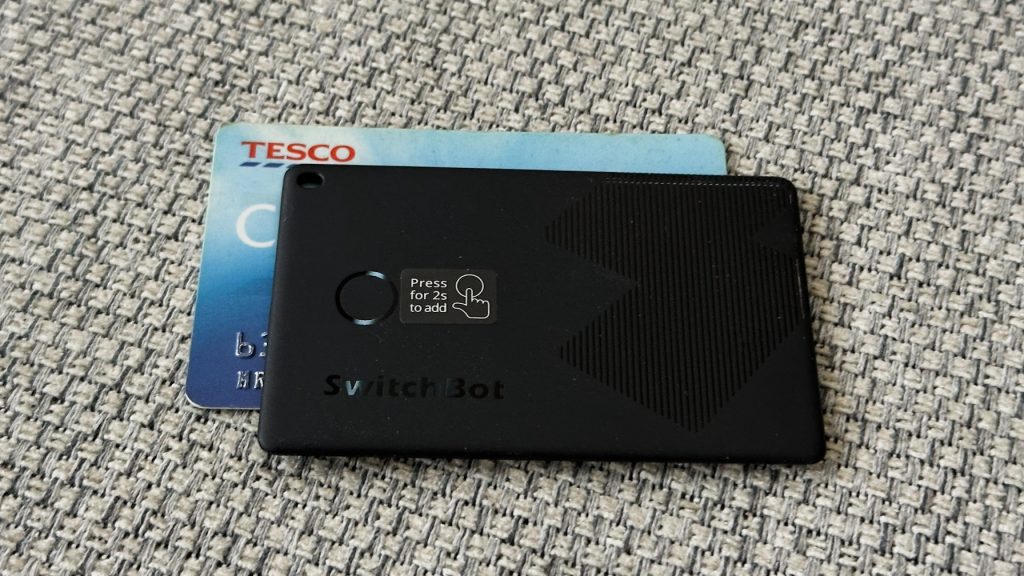
You then choose a name and emoji icon to identify it later. By default, it suggested ‘Benjamin’s Keys’, but I renamed it to ‘Benjamin’s Wallet’, selected one of the wallet-adjacent available emojis, and pressed Continue and I was done. Then, it just slips into one of the empty card pockets in my wallet.
How it tracks location
As a reminder, Find My accessories do not have GPS. Instead, they broadcast a low-energy Bluetooth signal that nearby Apple devices — like iPhones, iPads and Macs — pick up on. The location is then transmitted securely and privately to the Find My network, so you can hopefully locate and retrieve your lost item.
Even if you are miles away, as long as someone with an Apple device is nearby, the wallet will be locatable on the map in the Find My app. There’s also no ongoing subscription or other costs to worry about (unlike some competitors).
As demonstrated by the success of AirTags, the Find My network works really well and the SwitchBot Wallet Finder is just as effective. If your item is stationary, and nearby one of the billion iOS devices in the world, it won’t take too long for its location to appear in Find My. If the item is moving, location updates are slightly delayed behind real-time, however.
You can also use the Find My app to mark your item as explicitly lost. Then, if someone else finds your wallet and wants to help give it back to its rightful owner, they can use the Identify Found Item feature in Find My which will present your contact information to help arrange returning it to you. The upcoming iOS 18.2 update even adds the ability to make a shareable link to send to others to help assist in tracking down your lost items.
Finding nearby using the speaker
Unlike an AirTag, the Wallet Finder does not incorporate an ultra-wide band radio. That means it lacks the Precision Finding feature that the AirTag offers when in close proximity.
However, the integrated speaker in the Wallet Finder more than suffices for the job of finding your lost wallet. When in Bluetooth range, the card emits a reasonably loud tone. It is slightly less loud than the sound an AirTag makes, and naturally gets a bit muffed when ensconced inside a closed wallet, but it is still audible, more than enough for you to hear it from a good distance away.
For the (embarrassingly common) case of when I’ve misplaced my wallet somewhere inside my house, I can now just open the Find My app, press ‘Play Sound’, and instantly hear which room it is in.
Find My also works with the Siri voice assistant, as an added convenience. For example, I can shout ‘where’s my wallet?’ at my HomePod, and it will start pinging it for me.
Safety and tracking
Just like AirTags, the Wallet Finder is marketed as a device to help recover lost items. It is not designed to address problems of theft or nefariously track other people. If the card is separated from its owner for a period of time, the speaker will emit a noise to make people aware of its presence. It will also trigger ‘Unknown Item Moving With You’ alerts on any nearby iPhones in the vicinity.
It’s also worth pointing out that someone else with the card in their possession can deactivate the Find My connection, by pressing the button in a particular shutdown sequence.
Conclusion
If used for its intended purpose, the SwitchBot Wallet Finder is a very effective and great value for money. While obviously designed to be kept inside a wallet, it even has a built-in hole cutout if you did want to slip it on some kind of lanyard or keychain. I highly recommend it.
Perhaps the only drawback to be aware of is that the Wallet Finder card has no means of replacing the battery. It is a single use consumable, rated for about 3 years of usage. But the contents of your wallet are valuable enough that it probably makes financial sense to simply buy another when it eventually dies. You just have to be okay with yourself regarding the environmental waste.
FTC: We use income earning auto affiliate links. More.