


Cybercriminals go after people’s personal information across every kind of online platform, including WhatsApp, Instagram, LinkedIn, Roblox, YouTube and Spotify, not to mention finance apps. No online account is off the table. If one of your own accounts falls victim, the first priority is to avoid losing your cool and act immediately – the faster you move, the more of the attacker’s work you can interrupt.
The attacker’s first move after gaining access could be to make that access (near)-permanent, including by changing the recovery email address, adding their own backup codes or setting up silent email forwarding rules so they can monitor your account even after you’ve changed your password.
Here are a few practical steps to take while there’s often still a chance to undo the damage. Importantly, don’t worry if you find it impossible to get through all the steps in the 15-minute sequence outlined below – this framing is more of a prompt to move fast, not a hard deadline!
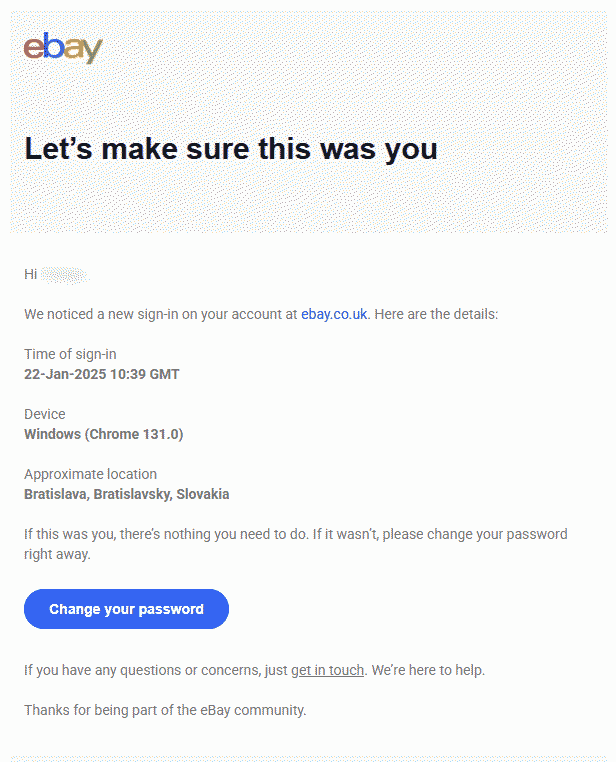
Every minute counts
Stop the damage (minutes 0–2)
Check whether you still have access to the account and, if you can, consider how the breach probably happened.
If you suspect you may have fallen victim to a phishing incident but still have access to your account, go on to secure it in line with the guidance below. Ideally, use a device other than the one where you first noticed something was wrong.
If you can no longer access the account at all, go to the platform’s support pages and start the account recovery process. Don’t waste time trying to log in time and again. If financial accounts are involved, call your bank or credit card provider and ask them specifically to block transactions and flag the account for monitoring.
If you suspect malware is involved – say, you’ve installed software from sketchy corners of the internet or downloaded a suspicious email attachment – disconnect the device from the internet. An active malware compromise could be exfiltrating data or communicating with an attacker in real time, so you want to stop that.
In any case, if you have up-to-date security software on the device, initiate a full scan. Don’t wait for it to complete, however – start it running and move to the next steps, from a different device. If you don’t have any security software and remain online, ESET’s online scanner can help. Meanwhile, ESET’s link checker can flag any specific malicious URLs in an instant.
Importantly, don’t delete anything yet. Online services may ask for suspicious messages and other potential evidence during the reporting and account recovery process.
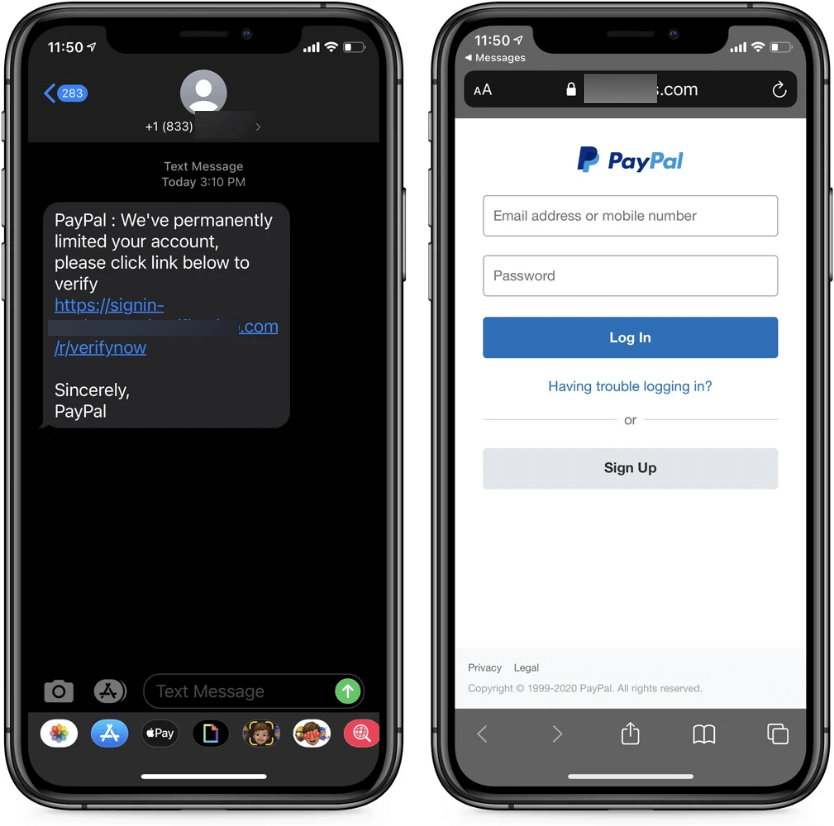
Secure access (minutes 3–6)
If the incident hit your email account, pay attention to email forwarding rules, which attackers often configure silently so that copies of incoming emails reach them even after you’ve regained control. Most email clients list active forwarding rules in settings – check them and remove anything you didn’t set up yourself.
Check also the account’s recovery settings – the backup email address, recovery phone number and backup codes. Change the password, from a device you’re confident is clean. The password needs to be strong and unique – not a variation of something you’ve used before or somewhere else.
If you can, go on to enable two-factor authentication (2FA) even if the service doesn’t prompt you to do so. In the emergency stage, SMS codes should do the job but over the long term an authenticator app, such as Google Authenticator or Microsoft Authenticator, is a safer choice. Hardware security keys are stronger still, though they work best for long-term protection.
One-time 2FA recovery codes can help save the day if you lose access to the device to which normal 2FA codes are typically sent. Store the recovery codes somewhere safe, possibly offline and as a printed copy. Losing those codes can lock you out of your account permanently.
Finally, close all active sessions and revoke access to connected third-party services.
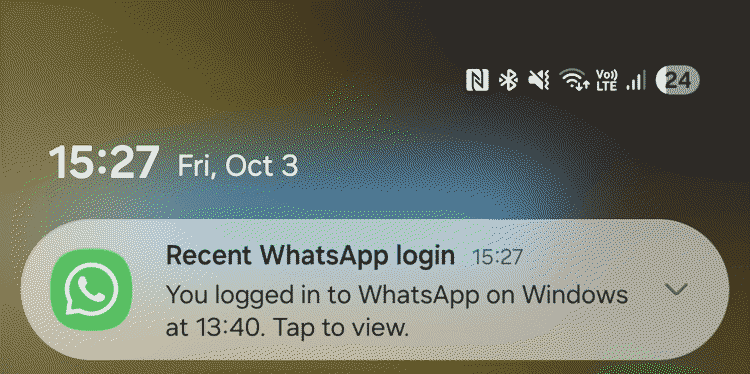
Check, check, check (minutes 7–10)
If you’ve reused the same password on other platforms, change it everywhere. Credential stuffing – which is where attackers automatically test a stolen username and password combination across a number of platforms – is largely automated and takes seconds. If the credentials worked once, they’ll be tried again.
Whenever possible, check the login history and recent activity to detect unrecognized logins. Also, check for anything that seems off: contact details you didn’t modify, sent messages you don’t recognize, and unfamiliar purchases or transactions. An email account deserves particular attention. Control over your inbox may often equate to control over much of your entire digital identity.
Clean up (minutes 11–13)
Review the list of the software installed and remove anything you didn’t install or don’t recognize. Take a look also at web browser extensions, as those often fly under the radar. Check that your operating system and other software run their latest version, as malware often exploits vulnerabilities for which patches are available.
Warn and report (minutes 14–15 – and beyond)
Alert your family and friends about what happened (through other channels if you haven’t restored access to your account). An attacker who has stolen your login credentials can impersonate you and spread the ‘infection’ further, including by sending malicious links to your friends and tricking them into wiring money. The sooner they know, the less exposure there is.
Also, report the incident to the platform if you haven’t already. If financial accounts may be affected and you haven’t called your bank yet, do so now (i.e., don’t just file an online report). Ask specifically about blocking transactions and setting up activity monitoring.
Once your security software completes the scan, review what it has found and act in line with its guidance.
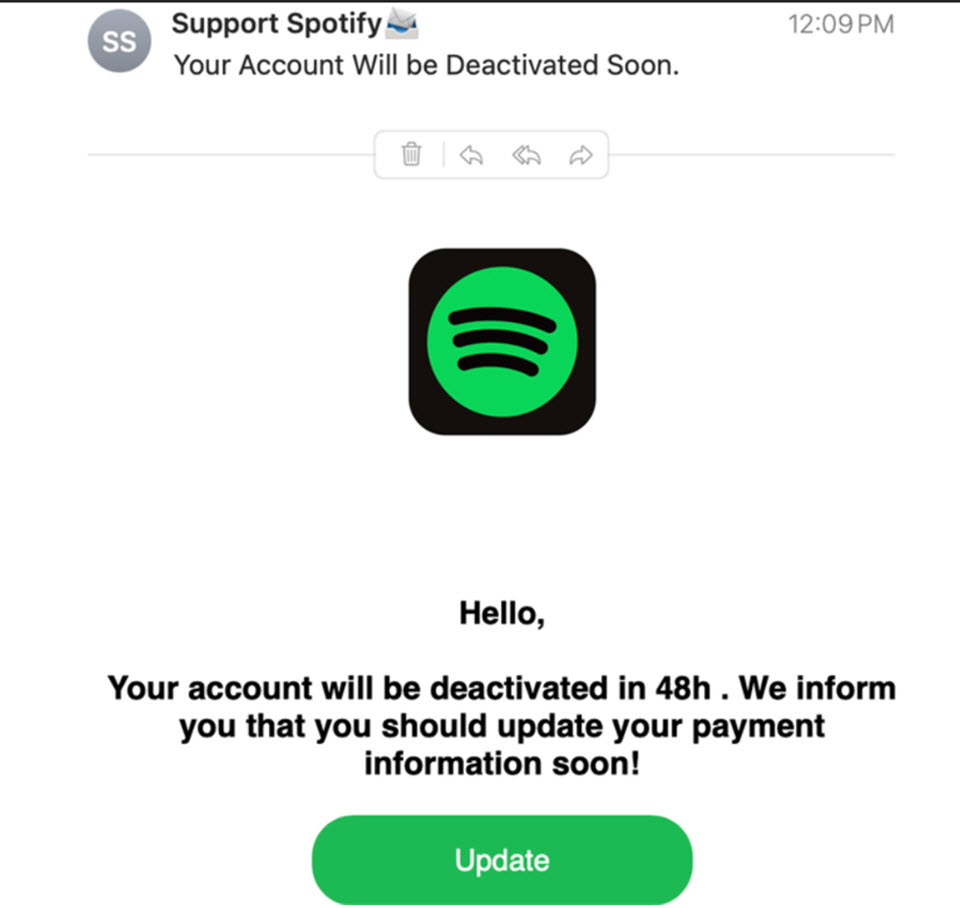
How to reduce the risk of an account compromise
A few habits can make a major difference:
- Use a strong and unique password or passphrase for each online account. The most common passwords are still strings like ‘123456’ and ‘admin,’ as well as first names and birth dates. They’re all trivially easy to crack and widely available in leaked credential databases that attackers use routinely.
- A password manager solves the practical problem above by generating and storing a different strong password for each service, so there’s nothing to reuse and nothing to remember. A common concern is what happens if the password manager itself is compromised. However, the risk of using one is considerably lower than risks stemming from poor password hygiene.
- Switch on 2FA. Even when a password has been stolen, solid 2FA can stop an attacker from getting any further. Where the option exists, an authenticator app is preferable to SMS, as SIM swapping attacks make SMS codes less reliable than they appear.
- Keep software updated. Updates fix vulnerabilities that attackers know about and actively exploit. The window between a vulnerability being published and it being used in the wild is often very short, so don’t hold off on installing the latest updates.
- Look out for phishing, which remains a common way attackers steal logins. Don’t be duped by credibly-looking branding, real company names in the subdomain, and personalized details scraped from LinkedIn or other public sources. Familiarity alone isn’t a reliable signal. The best habit is to avoid clicking on links in unsolicited emails entirely; instead, go directly to the service’s website instead.
- Consider moving past passwords and enabling passkeys when offered for seamless secure access to your accounts.
- Use a security solution. Reputable, multi-layered security software goes a long way toward keeping you safe, including from phishing attempts.
- Use an identity protection service that will alert you to your newly-found personal details in the internet’s seedy underbelly so that you can take action in time.
Final thoughts
Panic is the first hurdle to clear when an account gets hacked. A clear contingency plan helps you move past it quickly. It also reinforces something worth keeping in mind outside of emergencies: the habits that make recovery faster are mostly the same habits that make the initial attack harder. In addition to helping after something goes wrong, they also raise the cost of the attack enough that many attackers move on to easier targets.