

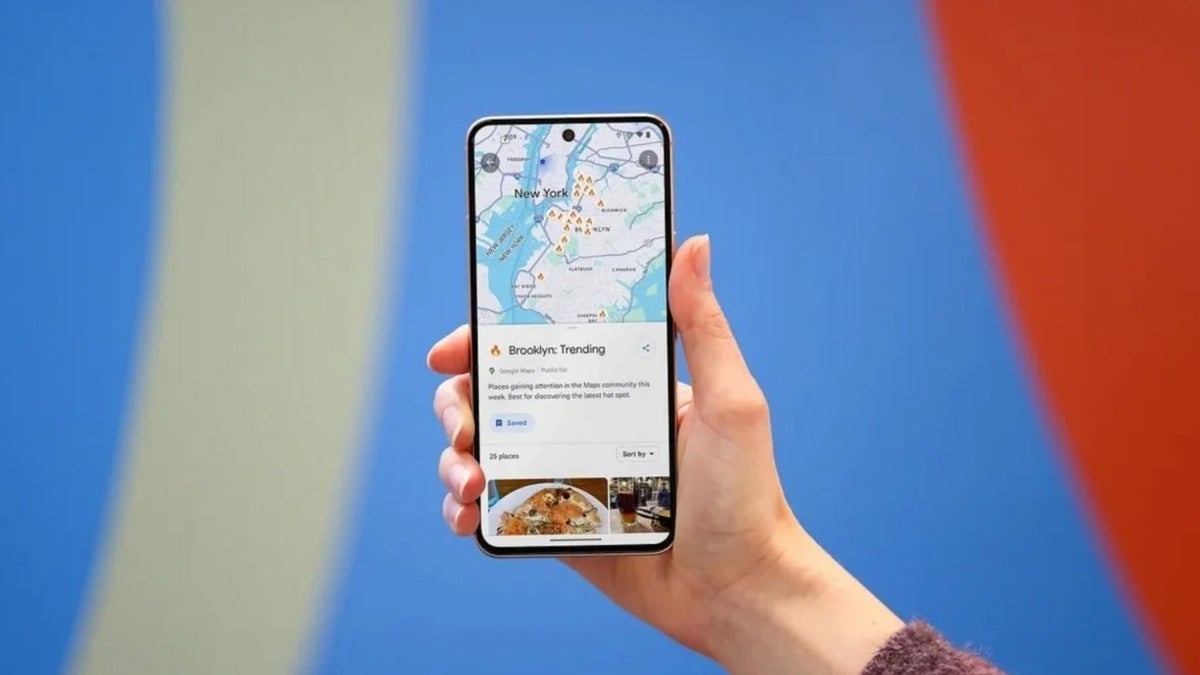
Share locations directly from Google Maps
Not sure about you guys, but I recently found out that I can share locations directly through Google Maps. For those unaware, you need to open the app, tap the blue icon on the map that indicates your location, and an overlay window will appear with a dedicated “Share this location” button. Tap it to generate a URL of your current location, which you can then share via different platforms that show up in the share list.
The “Share trip progress” option is reportedly missing from the new UI. The “Show satellite map” and “Show traffic on map” options have also been removed from the list, but they are now available in the Google Maps settings menu.
An important visual change
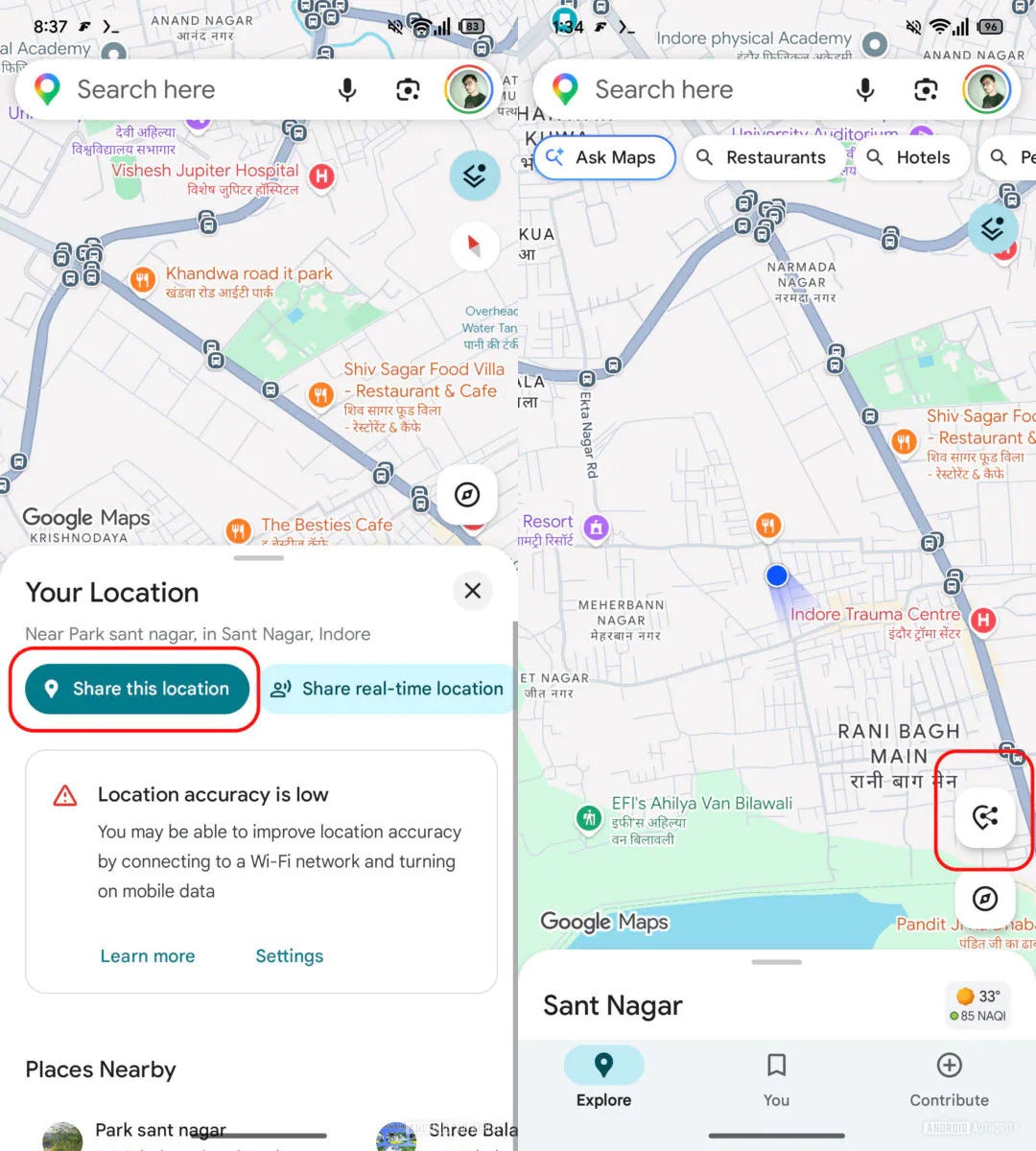
New floating action button in Google Maps. | Image by Android Authority
By making these changes, Google is clearly hoping that users will start using the Maps app directly to share their location instead of taking the long route of opening WhatsApp or Google Messages. Honestly, I have found sharing locations on Apple Maps to be much smoother.
On it, you simply need to open the app, swipe up from the bottom, and select the “Share My Location” option. But with the upcoming update in Google Maps, I feel confident that I will start liking its location-sharing experience as well. That said, all the above-mentioned changes are currently available only to limited users. Hopefully, it will see a broader rollout soon.