
Close Menu
geekfence.comgeekfence.com
    What's Hot

    Why Discipline Beats Vision

    July 8, 2026

    Why AI Coding Agents Still Need Clear Specs – O’Reilly

    July 8, 2026

    How the FCC can protect IoT innovation in the 900 MHz band (Reader Forum)

    July 8, 2026
    Facebook X (Twitter) Instagram
    • About Us
    • Contact Us
    Facebook Instagram
    geekfence.comgeekfence.com
    • Home
    • UK Tech News
    • AI
    • Big Data
    • Cyber Security
      • Cloud Computing
      • iOS Development
    • IoT
    • Mobile
    • Software
      • Software Development
      • Software Engineering
    • Technology
      • Green Technology
      • Nanotechnology
    • Telecom
    geekfence.comgeekfence.com
    Home»Mobile»Google preps a fix for what’s probably the Phone app’s most annoying trait
    Mobile

    Google preps a fix for what’s probably the Phone app’s most annoying trait

    AdminBy AdminDecember 19, 2025No Comments3 Mins Read9 Views
    Facebook Twitter Pinterest LinkedIn Telegram Tumblr Email
    Google preps a fix for what’s probably the Phone app’s most annoying trait
    Share
    Facebook Twitter LinkedIn Pinterest Email


    What you need to know

    • Google is reportedly testing a “Controls” toggle for the Phone app to alleviate an auto-rotating issue.
    • It was discovered that a “keep portrait mode on calls” toggle was spotted in the Display settings for Android after users noticed the app was adhering to their auto-rotating requests across the system.
    • A recent Phone app beta highlights the chance for users to mark their calls as “urgent” when dialing.

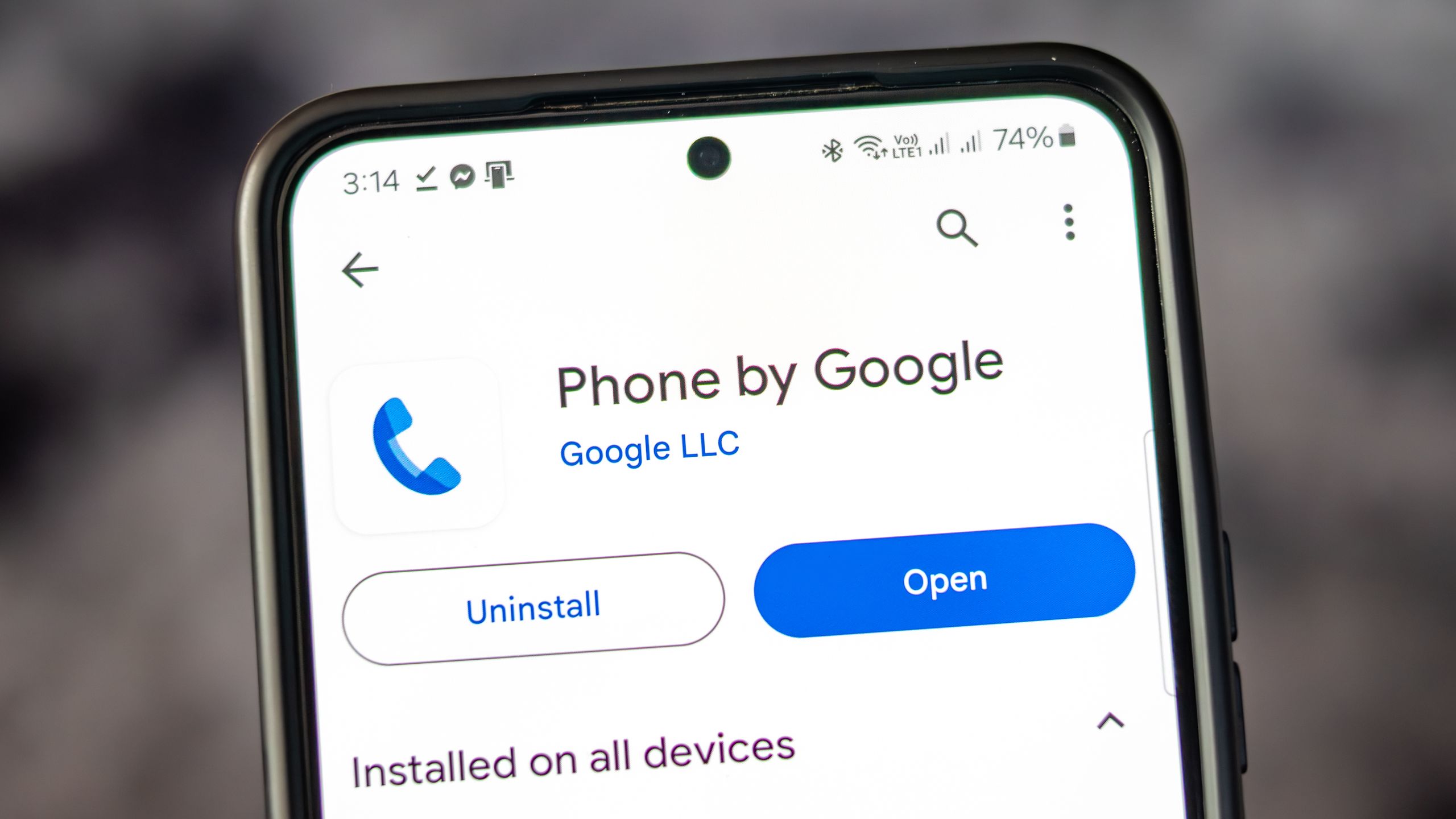
    Google is in the process of testing (what will likely be) a major QoL update for its Phone app on Android.

    As with any Google app beta, early previewers get a glimpse of what’s to come, and 9to5Google spotted a new toggle for the Phone app (via PhoneArena). The recent beta shows that the company is working to solve a strong grievance users have with the Phone app: it can switch to landscape mode without warning. To solve this, it seems that Google will provide a “Controls” toggle in your phone’s settings under “Display.”

    From there, the publication noticed that the toggle directly references the Phone app, stating, “Keep portrait mode on calls.” The app’s early description adds that enabling will “prevent accidental auto-rotation on calls.”


    You may like

    If your phone did happen to rotate during a call, it would split into what nearly resembles a dual-view. The left side would house the other person’s name and background (if applied), while the right side kept your call controls. It was a jarring switch that took users by surprise, especially one that Phone Arena cited in its post.

    A user on Reddit asked, “How do I turn this off? Don’t think there was ever a landscape mode for Google Phone (or dialer), but now it’s doing it for me.” They add, “Because when I hold the phone up and talk, it forces itself to landscape mode…” This creates an issue since users might not want to turn off the auto-rotation for their entire device, which is why Google is likely working on this subtle addition to avoid that small (but important) frustration.

    Call ’em up
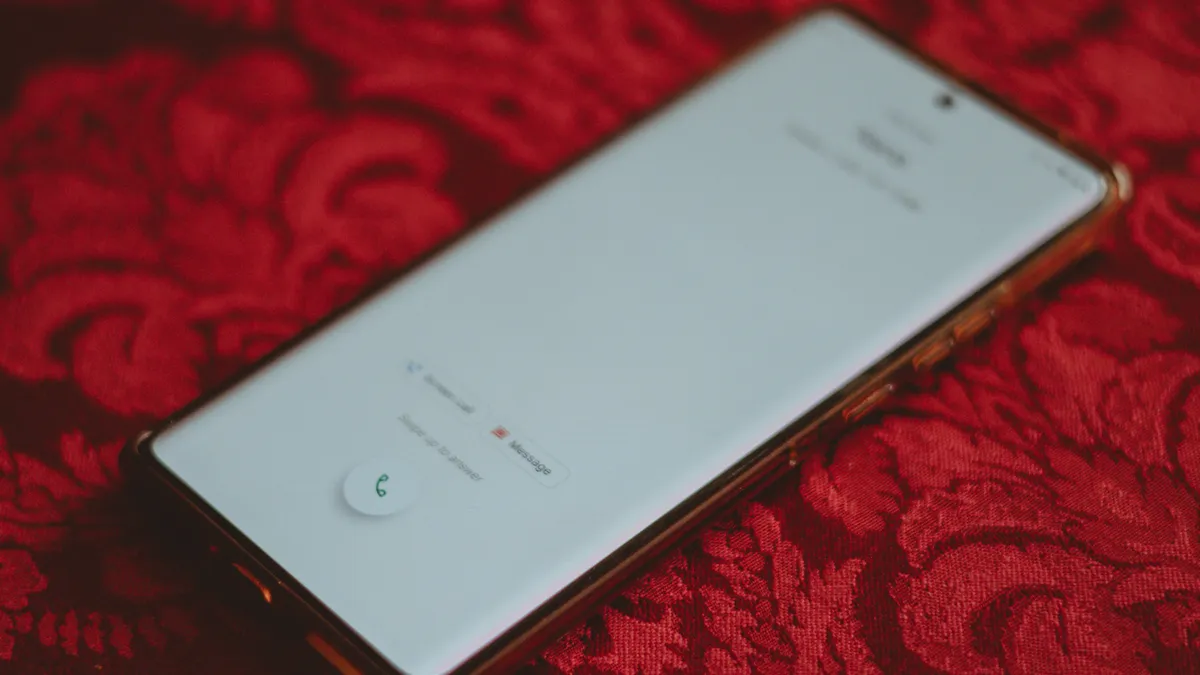
    Incoming call UI

    (Image credit: Nickolas Diaz/Android Central)

    Google’s been working on refining its Phone app this year, after a beta version from the summer showcased its simpler layout. The layout ditched the old Favorites tab in favor of displaying who you frequently like to contact at the top of “Recents.” It’s quite a large UI refresh that piles those Favorites into a slim horizontal row right above the recent calls. Additionally, the dedicated “Frequents” list was also dropped, meaning you’ll have to favorite those you call regularly.

    A deep dive into the Phone app recently showed that Google is looking to make sure you people don’t miss those urgent calls.

    Get the latest news from Android Central, your trusted companion in the world of Android

    In the name of “urgency,” users would be able to mark such calls with a tag that brings more awareness to calls from people you can’t afford to miss. There was another feature discovered called “Expressive Calling.” When calling someone, you can pick a “call reason,” like “It’s urgent!” or “Quick question.”


    Source link

    Share. Facebook Twitter Pinterest LinkedIn Tumblr Email

    Related Posts

    These AI startups are growing revenue at faster and faster rates

    July 8, 2026

    The Tech Behind Galaxy Buds4 Pro’s Crystal-Clear Calls – Samsung Global Newsroom

    July 7, 2026

    The Best Deals Worth Shopping This Week, According to CNET’s Experts

    July 6, 2026

    HDR That Looks Right on Every Screen

    July 5, 2026

    7 things your next phone needs if you want it to last for years

    July 4, 2026

    July 3, 2026 – Apple Creator Studio updates, more

    July 3, 2026
    Top Posts

    Understanding U-Net Architecture in Deep Learning

    November 25, 202560 Views

    Hard-braking events as indicators of road segment crash risk

    January 14, 202631 Views

    Redefining AI efficiency with extreme compression

    March 25, 202628 Views
    Don't Miss

    Why Discipline Beats Vision

    July 8, 2026

    Guest post by Dane Hudson, who is a former 25-year global CEO. Discipline Beats Vision:…

    Why AI Coding Agents Still Need Clear Specs – O’Reilly

    July 8, 2026

    How the FCC can protect IoT innovation in the 900 MHz band (Reader Forum)

    July 8, 2026

    The Download: worms fight pollution, and geoengineering faces reality

    July 8, 2026
    Stay In Touch
    • Facebook
    • Instagram
    About Us

    At GeekFence, we are a team of tech-enthusiasts, industry watchers and content creators who believe that technology isn’t just about gadgets—it’s about how innovation transforms our lives, work and society. We’ve come together to build a place where readers, thinkers and industry insiders can converge to explore what’s next in tech.

    Our Picks

    Why Discipline Beats Vision

    July 8, 2026

    Why AI Coding Agents Still Need Clear Specs – O’Reilly

    July 8, 2026

    Subscribe to Updates

    Please enable JavaScript in your browser to complete this form.
    Loading
    • About Us
    • Contact Us
    • Disclaimer
    • Privacy Policy
    • Terms and Conditions
    © 2026 Geekfence.All Rigt Reserved.

    Type above and press Enter to search. Press Esc to cancel.