

Last year, at Cisco Live 2025 in Las Vegas, I was reviewing everything for my session “DEVNET-3707 – Network Telemetry and AI for Network Incident Response“. I always test my demos before my session, so I can be calm knowing it will work. However, this time during testing, I noticed the metrics in my Grafana dashboard were not showing up. I panicked and started troubleshooting. After a while I found an error in the Python script that was collecting telemetry data using NETCONF, but didn’t know why. Supposedly my script should always work regardless of the environment but it was not working. As a good engineer, I deleted all the containers I used, Grafana, Telegraf, InfluxDB and created them again, over and over until it worked.
The demo worked and my session went well, but this was not something I wanted to repeat. I always try to make my projects follow my mantra of “build and forget” but I did notice that the script used by Telegraf was not following my mantra. I used Poetry at that time and debugging it could take me a while.
When I say “build and forget”, I mean basically to create and configure your projects in a way that you can build them once and forget about them because they work every single time. This is how I like to build and this is what I wanted to share in my month of developer productivity series on our YouTube channel. It covers the developer productivity tools developers and engineers need to stop fighting their environment and start coding.
In the first video I show how to set your environment like a pro. Once your environment is set, video 2 makes sure your IDE catches mistakes before they cause problems. Even with all of that, things still go wrong, so video 3 gives you the tools to find out why. And when it works, video 4 makes sure it works everywhere, not just on your machine.
Video 1 – Your Dev Environment
In my first video, “Set Up Your Dev Environment Like a Pro,” I share some useful VS Code extensions and settings, including how Remote Explorer with remote.SSH.defaultExtensions can help you get your environment on a VM right away and if you configure your SSH client to forward your SSH keys, it feels like magic; having a complete environment with your favorite extensions in a brand new VM ready to push to GitHub in an instant. And if you use containers instead, Dev Containers are the way to go. Here you can define your environment (including your extensions) in a devcontainer.json file and have it ready in seconds. Best of all, this configuration is version controlled and everyone who clones your repo can have the same environment. You can find the video here, including how to configure your OpenSSH client: Watch the video
Video 2 – Make Your IDE Work for You
Once you have your environment ready, it is great to make sure your IDE is doing the work for you with simple but very powerful tools. In my experience, when you don’t use these tools, it is very hard to follow the code and understand what is going on. In my second video I configure formatters like Prettier and Black, linters like Pylint, Ruff and type checkers like Pylance and ty. Every time you save your Python code, Black formats it nicely, Ruff and Pylint check for errors, Pylance and ty check for type errors. And with editor.codeActionsOnSave set to source.fixAll: "explicit" and editor.formatOnSave set to true, Ruff can even fix some of the errors for you, every time you save your code. The second video is here: Watch the video
Video 3 – Debug Like You Mean It
After the environment and your IDE are done, a pretty common task is to debug your code. Errors are so common, especially when dealing with remote data structures like YANG models, where you don’t have a clear REST API schema and you only have the YANG schema, which is not that easy to follow. Here a debugger is ideal given that depending on how your device is configured, the data you are expecting might be missing. The launch.json file helps you configure your debugger so, with a simple F5, you can start debugging your code quickly. Breakpoints, watch expressions, the debug console (REPL), conditional breakpoints and logpoints are some of your best friends when things go south and you don’t know why. In my third video I explain the launch.json file and go through these debugger tools: Watch the video
Video 4 – Ship It Anywhere
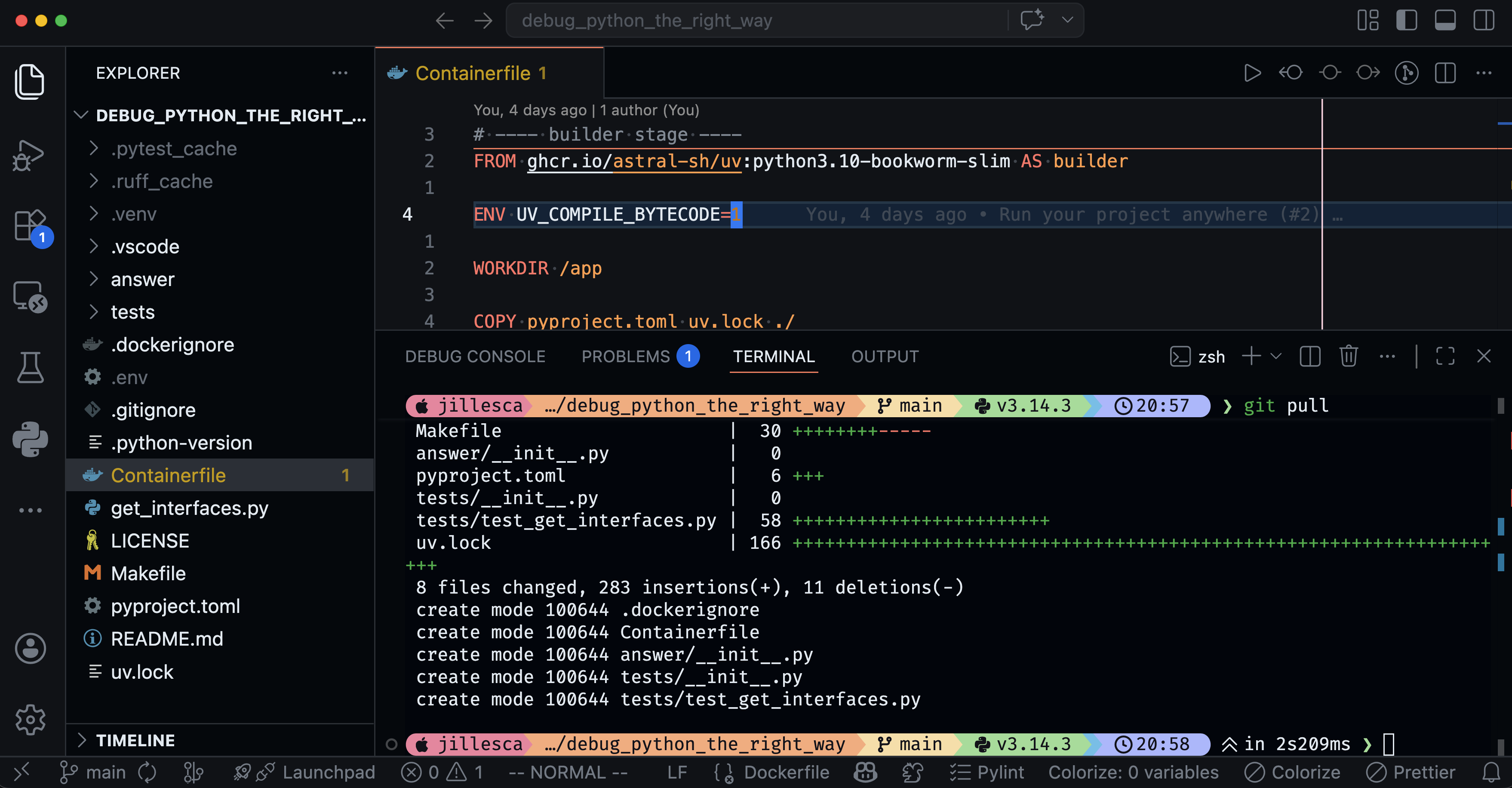
Finally, it is time to ship your code, and something that contradicts my mantra “build and forget” is the “it only works on my computer” idea. The “forget” part applies anywhere, your laptop, your coworker’s laptop, a server, a pipeline, etc. If you are developing with Python, I have found that uv is great for reproducible builds. Use it correctly and you will always have the same dependencies and same environment, so your code will always work. Forget about issues with dependencies that are broken and are not in your control, the dependency hell. But uv alone is not enough, to get the most out of uv you might need to use specific flags and commands which with time you will forget (at least I do), that’s why uv + make is a great combination. I only have to remember simple commands like make build and make run and the Makefile will take care of the rest. And if you put that on a container, you can be sure it will run anywhere. I cover this very useful pattern in my fourth video: Watch the video
Remember the mantra “build and forget” and apply it to your projects; it will make your life easier. I have been following this mantra for all my newer projects and they just work, and I can relax.
Resources
Here are some of the resources I mentioned in the videos:
Add any questions or comments you have about the videos or the blog. I will be happy to answer them.