

I’m thrilled to announce SwiftMCP, a Swift macro-based framework that elegantly exposes your Swift functions as powerful Model Context Protocol (MCP) tools for AI assistants. After months of careful refinement, SwiftMCP now delivers the experience I’ve always dreamed of: turning standard Swift documentation directly into AI-integrable tools—effortlessly.
Behind the Scenes
For a long time, I watched with envy as developers in languages like Python effortlessly created tools for AI agents by merely adding decorators to their functions, along with documentation enclosed in triple quotes. Something similar felt painfully out of reach for Swift developers—until I realized the incredible potential of Swift Macros.
Macros in Swift have full access to the syntax tree of your source code, including every documentation comment, parameter type, and more. This opens up astonishing possibilities:
- Extracting detailed metadata directly from your existing Swift documentation comments.
- Automatically generating additional source code that captures and stores this metadata.
- Dynamically creating function wrappers that simplify invocation with flexible arguments.
To illustrate, consider this simple Swift function:
/// Adds two integers and returns their sum
/// - Parameter a: First number to add
/// - Parameter b: Second number to add
/// - Returns: The sum of a and b
@MCPTool
func add(a: Int, b: Int) -> Int {
    return a + b
}
Using SwiftMCP’s @MCPTool macro, the above function automatically generates metadata like this:
/// autogenerated
let __mcpMetadata_add = MCPToolMetadata(
	name: "add",
	description: "Adds two integers and returns their sum",
	parameters: [MCPToolParameterInfo(name: "a", label: "a", type: "Int", description: "First number to add", defaultValue: nil), MCPToolParameterInfo(name: "b", label: "b", type: "Int", description: "Second number to add", defaultValue: nil)],
	returnType: "Int",
	returnTypeDescription: "The sum of a and b",
	isAsync: false,
	isThrowing: false
)
Additionally, SwiftMCP generates a flexible invocation wrapper, much like Objective-C’s NSInvocation, enabling your functions to accept parameters as dictionaries:
/// Autogenerated wrapper for add that takes a dictionary of parameters
func __mcpCall_add(_ params: [String: Sendable]) async throws -> (Codable & Sendable) {
    let a = try params.extractInt(named: "a")
    let b = try params.extractInt(named: "b")
    return add(a: a, b: b)
}
This wrapper intelligently validates and parses incoming parameters, automatically handling conversions and providing informative error messages if anything goes wrong.
The final magic happens at the server level with @MCPServer, which includes a universal tool-invocation method:
public func callTool(_ name: String, arguments: [String: Sendable]) async throws -> (Codable & Sendable) {
   guard let tool = mcpTools.first(where: { $0.name == name }) else {
      throw MCPToolError.unknownTool(name: name)
   }

   let enrichedArguments = try tool.enrichArguments(arguments, forObject: self)

   switch name {
      case "add":
         return try await __mcpCall_add(enrichedArguments)
      default:
         throw MCPToolError.unknownTool(name: name)
   }
}
With this plumbing in place, SwiftMCP effortlessly supports functions that are async, throwing, returning void, or returning any Codable type. You can serve your MCP tools either via standard IO or as an HTTP+SSE server, allowing seamless integration into various workflows.
The simpler method of serving – via standard IO – is involves the client actually launching your app and then communicating it be sending single-line JSONRPC requests to stdin and receiving JSONRPC responses via stdout. If you want to send an error, then you should send that to stderr.
let transport = StdioTransport(server: calculator)
try await transport.run()
The other – more sophisticated way of serving – is via a HTTP-SSE server. Here the client makes a GET request to /sse and keeps the connection open. It is informed of an endpoint to POST JSONRPC requests to. When a message is sent to the endpoint, the answer for it (with matching id) will be sent via the SSE channel.
let transport = HTTPSSETransport(server: calculator, port: 8080)
try await transport.run()
SwiftMCP supports both methods. On the HTTP+SSE transport it has a few extra bells and whistles, like for example you can limit access to clients sending a specific bearer token.
If you have your local server running you can expose it via an OpenAPI scheme to custom GPTs, so that even those can interact with your local tools.
What’s Next?
My immediate goal is to integrate SwiftMCP with my existing libraries such as SwiftMail, enabling my agents to interact with email via IMAP and SMTP, handle notifications, and manipulate calendar events via EventKit. There are many additional functions that you can thus make available to agentic coders like Cursor.
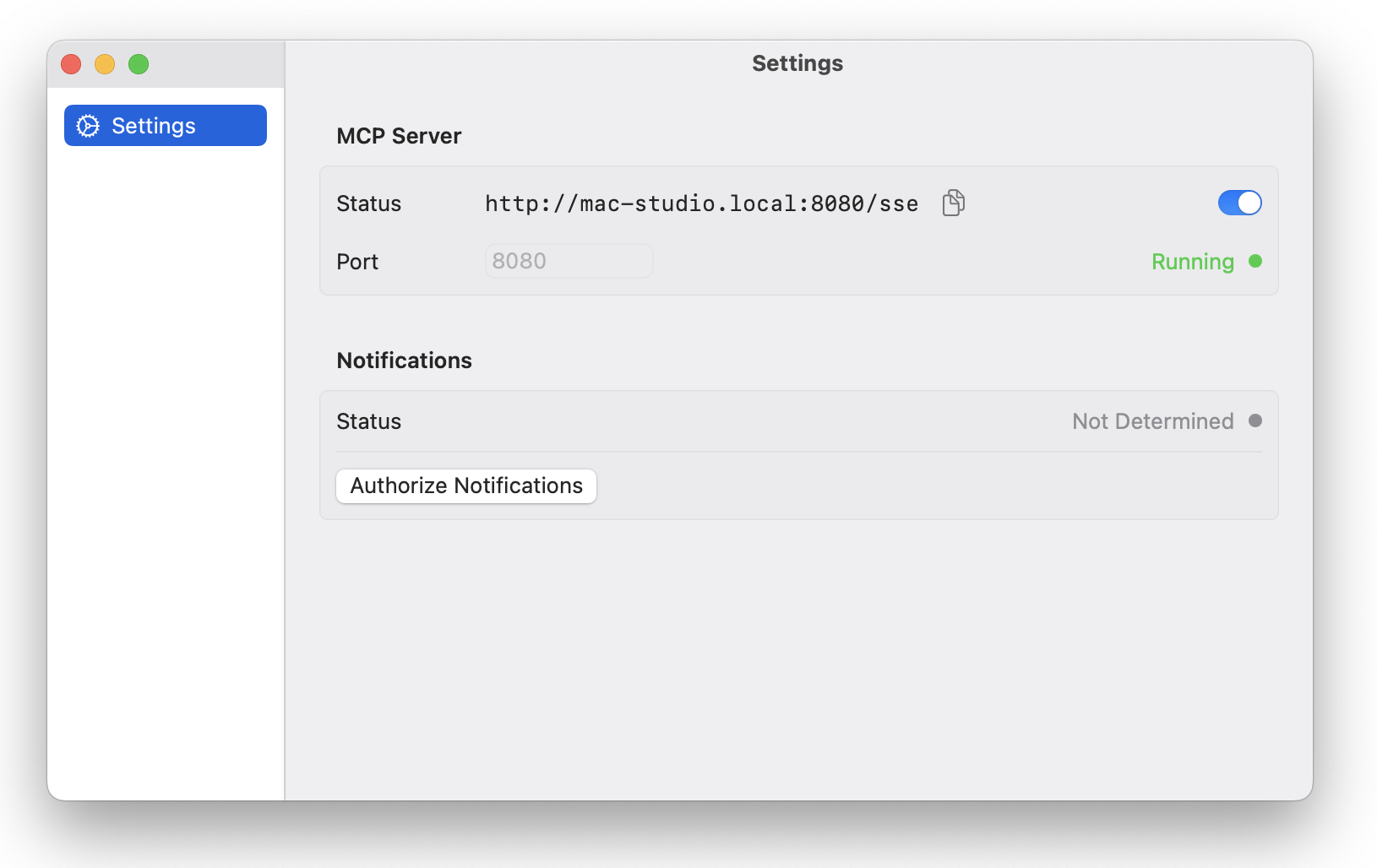
I’ve started a project to do just that. For now it just lets me start an MCP Server and authorize location notifications.

This exposes the function to send local notifications to my computer:
/// Sends a notification with the specified title and body
/// - Parameters:
///   - title: The title of the notification
///   - body: The body text of the notification
///   - subtitle: Optional subtitle for the notification
@MCPTool
func sendNotification(title: String,
                      body: String,
                      subtitle: String? = nil
                     ) async throws
Another idea is to have some basic workflow things that Cursor is missing but Xcode provides, like launching an app in Simulator, or a wrapper for xcode-build and swift for building and testing.
Conclusion
Shortly after starting SwiftMCP, I noticed the NSHipster article about iMCP appearing in my feed, highlighting the broader community’s growing interest in MCP. Shortly thereafter, I also found another Swift MCP implementation by Compiler-Inc. It’s exciting to see others exploring similar solutions!
SwiftMCP is open-source, actively maintained, and eager for your feedback and contributions. I’m happy to hear from you how you plan to use it or to help adding missing features.
Check it out on GitHub: SwiftMCP, Swift Package Index is hosting the documentation.
Related
Categories: Administrative