
Close Menu
geekfence.comgeekfence.com
    What's Hot

    Open Cosmos launches first satellites for new LEO constellation

    January 25, 2026

    Achieving superior intent extraction through decomposition

    January 25, 2026

    How UX Research Reveals Hidden AI Orchestration Failures

    January 25, 2026
    Facebook X (Twitter) Instagram
    • About Us
    • Contact Us
    Facebook Instagram
    geekfence.comgeekfence.com
    • Home
    • UK Tech News
    • AI
    • Big Data
    • Cyber Security
      • Cloud Computing
      • iOS Development
    • IoT
    • Mobile
    • Software
      • Software Development
      • Software Engineering
    • Technology
      • Green Technology
      • Nanotechnology
    • Telecom
    geekfence.comgeekfence.com
    Home»Mobile»Google preps a fix for what’s probably the Phone app’s most annoying trait
    Mobile

    Google preps a fix for what’s probably the Phone app’s most annoying trait

    AdminBy AdminDecember 19, 2025No Comments3 Mins Read3 Views
    Facebook Twitter Pinterest LinkedIn Telegram Tumblr Email
    Google preps a fix for what’s probably the Phone app’s most annoying trait
    Share
    Facebook Twitter LinkedIn Pinterest Email


    What you need to know

    • Google is reportedly testing a “Controls” toggle for the Phone app to alleviate an auto-rotating issue.
    • It was discovered that a “keep portrait mode on calls” toggle was spotted in the Display settings for Android after users noticed the app was adhering to their auto-rotating requests across the system.
    • A recent Phone app beta highlights the chance for users to mark their calls as “urgent” when dialing.

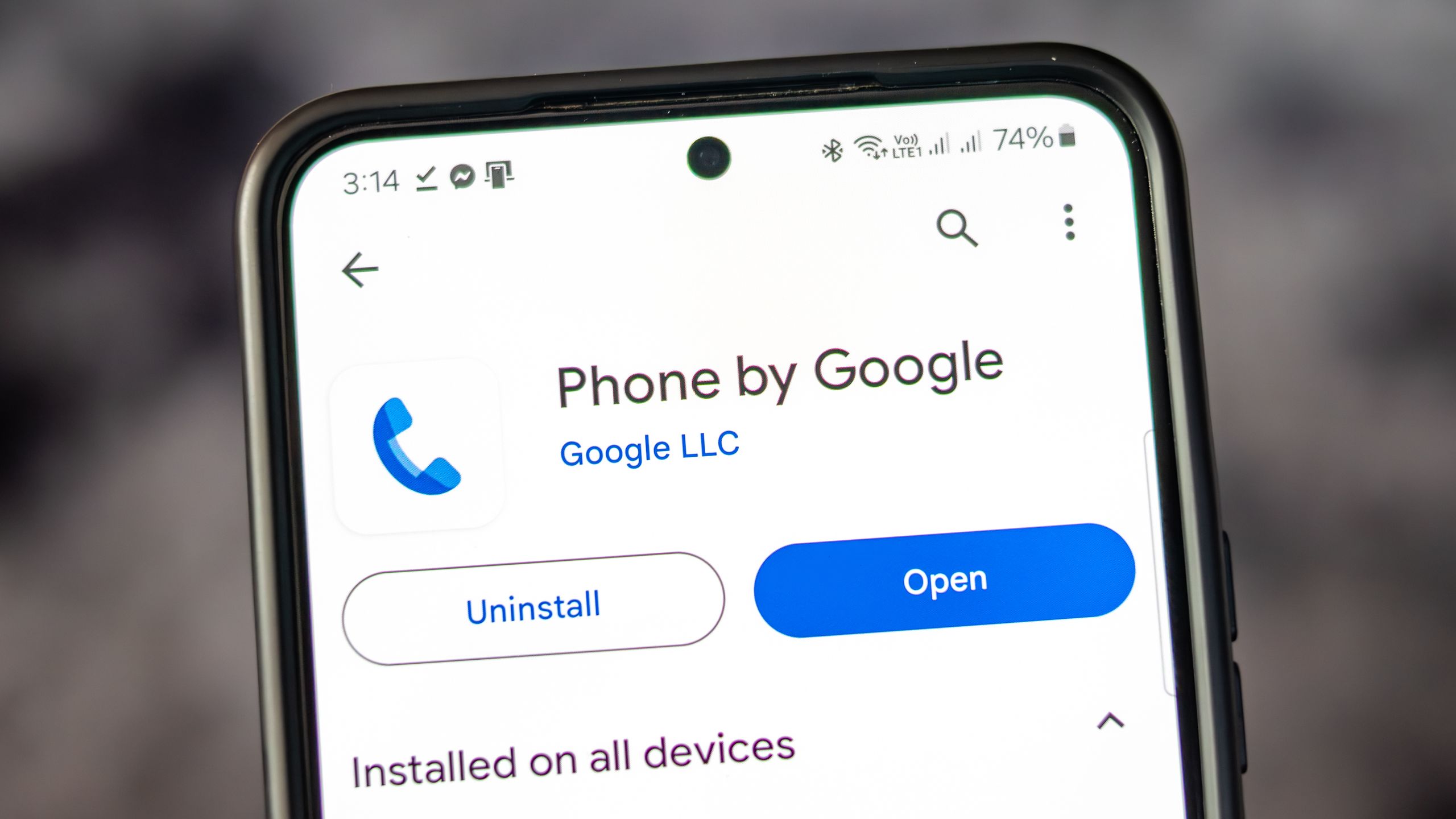
    Google is in the process of testing (what will likely be) a major QoL update for its Phone app on Android.

    As with any Google app beta, early previewers get a glimpse of what’s to come, and 9to5Google spotted a new toggle for the Phone app (via PhoneArena). The recent beta shows that the company is working to solve a strong grievance users have with the Phone app: it can switch to landscape mode without warning. To solve this, it seems that Google will provide a “Controls” toggle in your phone’s settings under “Display.”

    From there, the publication noticed that the toggle directly references the Phone app, stating, “Keep portrait mode on calls.” The app’s early description adds that enabling will “prevent accidental auto-rotation on calls.”


    You may like

    If your phone did happen to rotate during a call, it would split into what nearly resembles a dual-view. The left side would house the other person’s name and background (if applied), while the right side kept your call controls. It was a jarring switch that took users by surprise, especially one that Phone Arena cited in its post.

    A user on Reddit asked, “How do I turn this off? Don’t think there was ever a landscape mode for Google Phone (or dialer), but now it’s doing it for me.” They add, “Because when I hold the phone up and talk, it forces itself to landscape mode…” This creates an issue since users might not want to turn off the auto-rotation for their entire device, which is why Google is likely working on this subtle addition to avoid that small (but important) frustration.

    Call ’em up
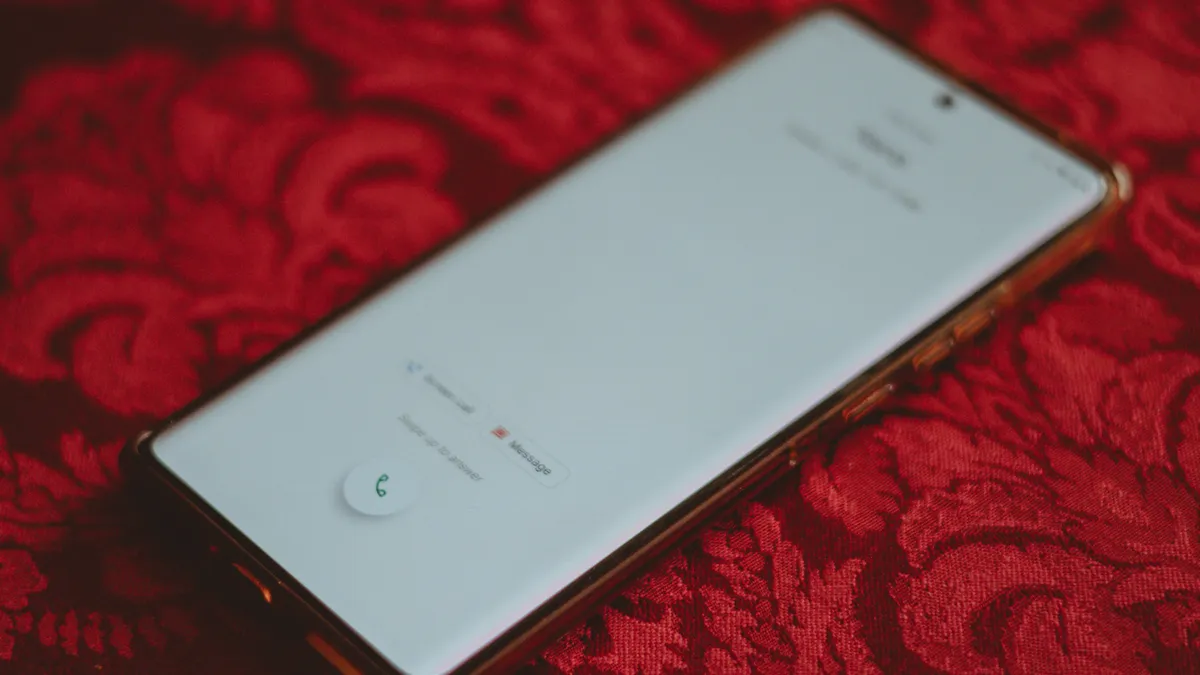
    Incoming call UI

    (Image credit: Nickolas Diaz/Android Central)

    Google’s been working on refining its Phone app this year, after a beta version from the summer showcased its simpler layout. The layout ditched the old Favorites tab in favor of displaying who you frequently like to contact at the top of “Recents.” It’s quite a large UI refresh that piles those Favorites into a slim horizontal row right above the recent calls. Additionally, the dedicated “Frequents” list was also dropped, meaning you’ll have to favorite those you call regularly.

    A deep dive into the Phone app recently showed that Google is looking to make sure you people don’t miss those urgent calls.

    Get the latest news from Android Central, your trusted companion in the world of Android

    In the name of “urgency,” users would be able to mark such calls with a tag that brings more awareness to calls from people you can’t afford to miss. There was another feature discovered called “Expressive Calling.” When calling someone, you can pick a “call reason,” like “It’s urgent!” or “Quick question.”


    Source link

    Share. Facebook Twitter Pinterest LinkedIn Tumblr Email

    Related Posts

    If there’s one thing I want from my next phone it’s less AI in my camera

    January 25, 2026

    Apple fights India antitrust authority over access to global financials

    January 24, 2026

    Leak about the Galaxy S26 Ultra’s display says you’ll forget screen protectors existed

    January 23, 2026

    Apple’s next wearable tipped to be an AI pin with cameras

    January 22, 2026

    Language learning marketplace Preply’s unicorn status embodies Ukrainian resilience

    January 21, 2026

    No Code, All Vibes: 6 Vibe Coding Tips I Learned From Building Apps With Just Words

    January 20, 2026
    Top Posts

    Understanding U-Net Architecture in Deep Learning

    November 25, 202511 Views

    Hard-braking events as indicators of road segment crash risk

    January 14, 20269 Views

    Microsoft 365 Copilot now enables you to build apps and workflows

    October 29, 20258 Views
    Don't Miss

    Open Cosmos launches first satellites for new LEO constellation

    January 25, 2026

    Press Release Open Cosmos, the company building satellites to understand and connect the world, has…

    Achieving superior intent extraction through decomposition

    January 25, 2026

    How UX Research Reveals Hidden AI Orchestration Failures

    January 25, 2026

    ByteDance steps up its push into enterprise cloud services

    January 25, 2026
    Stay In Touch
    • Facebook
    • Instagram
    About Us

    At GeekFence, we are a team of tech-enthusiasts, industry watchers and content creators who believe that technology isn’t just about gadgets—it’s about how innovation transforms our lives, work and society. We’ve come together to build a place where readers, thinkers and industry insiders can converge to explore what’s next in tech.

    Our Picks

    Open Cosmos launches first satellites for new LEO constellation

    January 25, 2026

    Achieving superior intent extraction through decomposition

    January 25, 2026

    Subscribe to Updates

    Please enable JavaScript in your browser to complete this form.
    Loading
    • About Us
    • Contact Us
    • Disclaimer
    • Privacy Policy
    • Terms and Conditions
    © 2026 Geekfence.All Rigt Reserved.

    Type above and press Enter to search. Press Esc to cancel.