


When you’re first starting a business, using a standard email like [email protected] can work. But as your brand grows and customer expectations increase, a professional business email becomes essential.
A custom domain email (like [email protected]) helps establish credibility, strengthens your brand, and improves deliverability. It also unlocks access to collaboration, storage, and security tools that free email accounts don’t offer.
I’ve reviewed and compared the best business email providers for small businesses, evaluating them based on pricing, features, and specific business use cases. Whether you’re a solo founder or building a growing team, these providers offer scalable solutions for professional communication.
Why you can trust us
At TechRepublic, I evaluate dozens of business software tools each year, including email hosting platforms, productivity suites, and website hosting providers. For this guide, I reviewed multiple business email providers and hosting platforms, comparing pricing, storage, security, and scalability.
I also evaluated ease of setup and day-to-day usability, drawing on my hands-on experience testing tools such as Google Workspace, Microsoft 365, Zoho Mail, and hosted email providers to understand how they perform in real business environments.
Best business email providers at a glance
A business email is a professional email address used for work or business (aka non-personal) purposes. Business emails use custom domains rather than generic ones (e.g., [email protected] instead of [email protected]), which makes you look more professional and credible. They also help promote your brand.
Below, I break down each provider in more detail, including pricing, key features, and where each one fits best depending on your business needs.
Google Workspace: Best email service for businesses overall

Expert score: 4.99 out of 5
Why I chose Google Workspace
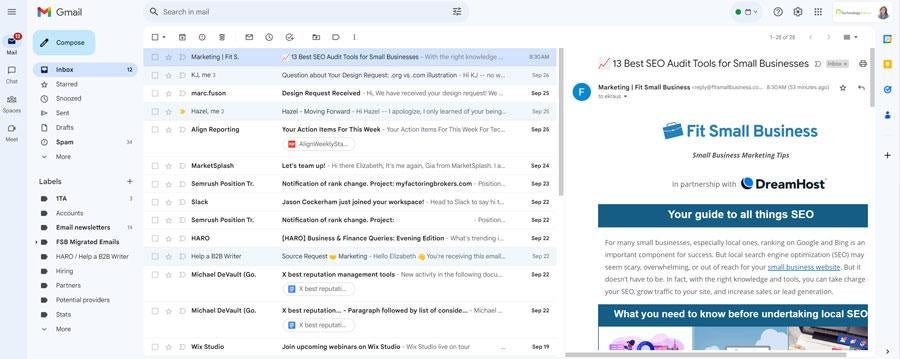
I chose Google Workspace because it offers the best overall balance of usability, reliability, and built-in productivity tools for small businesses. In my experience, Gmail is one of the easiest business email systems to set up and manage, especially for beginners. The interface is intuitive, and the ability to connect a domain during setup makes it simple to get started without technical expertise.
Tools like Docs, Sheets, Slides, Meet, and shared calendars make collaboration effortless, whether you’re working solo or as part of a distributed team. While it doesn’t include a free domain and lacks some advanced features found in Microsoft 365, it provides more than enough functionality for most small businesses.
Features
- Custom domain business email through Gmail
- Google Docs, Sheets, Slides, and Forms for collaboration
- Google Meet for video conferencing
- Shared calendars with appointment booking
- Automatic syncing and offline access
- Built-in language translation and Google Pay integration
- Up to 5TB cloud storage on higher-tier plans
Google Workspace pricing
- Business Starter: $8.40/user/month or $7/user/month billed annually
- Includes 30GB storage, business email, and core Workspace apps
- Business Standard: $16.80/user/month or $14/user/month billed annually
- Includes 2TB storage, shared drives, and appointment booking
- Business Plus: $26.40/user/month or $22/user/month billed annually
- Includes 5TB storage, enhanced security, and compliance tools
- Enterprise: Contact sales for custom pricing
Pros and cons
| Pros | Cons |
|---|---|
|
|
Microsoft 365: Best for advanced email and productivity tools

Expert score: 4.84 out of 5
Why I chose Microsoft 365
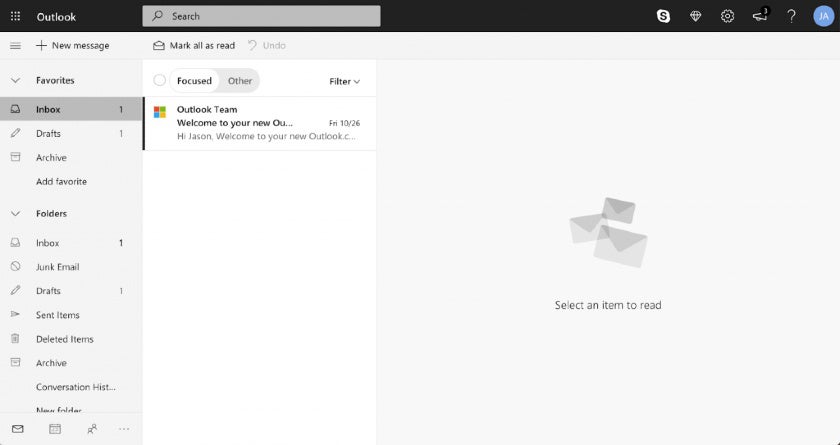
Microsoft 365 offers some of the most advanced business email and productivity features available in a single platform. It also stands out for its deep integration with tools like Word, Excel, Teams, and SharePoint. This makes it a strong option for businesses that need more than just email, especially those managing workflows, appointments, and team collaboration at scale.
Features like shared inboxes, calendar management, task tracking, and webinar hosting go beyond what most entry-level email providers offer. The main drawback is that the interface can feel less intuitive than Gmail, particularly for beginners, but for users familiar with the Microsoft ecosystem, the added functionality is a major advantage.
Features
- Custom domain business email through Outlook
- Microsoft Word, Excel, PowerPoint, Teams, and SharePoint
- 50GB mailbox storage per user
- 1TB OneDrive cloud storage
- Workflow automation, shared tasks, and calendar management
- Webinar hosting and video conferencing (up to 300 participants)
- Advanced security with spam, malware, and threat protection
- High attachment limits up to 150MB
Microsoft 365 pricing
- Microsoft 365 Business Basic: $7.20 per user/month or $6 per user/month billed annually
- Includes custom business email (50GB mailbox), 1TB OneDrive storage, Teams, and web/mobile apps
- Microsoft 365 Apps for Business: $9.90 per user/month or $8.25 per user/month billed annually
- Includes desktop versions of Office apps and 1TB storage (no hosted business email)
- Microsoft 365 Business Standard: $15 per user/month or $12.50 per user/month billed annually
- Includes everything in Business Basic, plus desktop Office apps and enhanced collaboration tools
- Microsoft 365 Business Premium: $26.40 per user/month or $22 per user/month billed annually
- Includes advanced security, device management, and threat protection
Pros and cons
| Pros | Cons |
|---|---|
|
|
Zoho Mail: Best for free and low-cost business emails

Expert score: 4.76 out of 5
Why I chose Zoho Mail
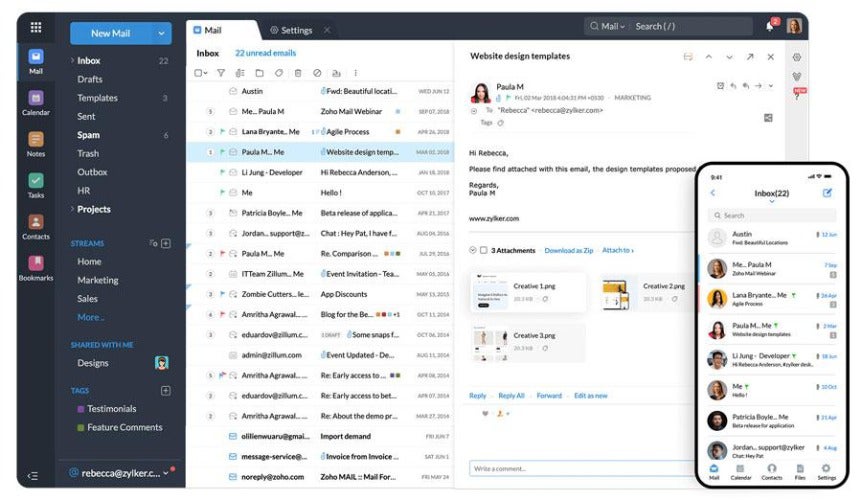
Zoho Mail offers one of the most affordable ways to get a professional business email on a custom domain. In my experience reviewing email providers, most low-cost options either limit functionality or require upgrades quickly, but Zoho provides a genuinely usable free plan for small teams. Being able to create up to five email accounts at no cost makes it a practical starting point for entrepreneurs who want to look professional without adding overhead.
What also stands out is how well Zoho Mail fits into a broader business ecosystem, with built-in collaboration tools such as shared calendars, tasks, and notes. It also integrates seamlessly with other Zoho apps, making it a strong alternative to Google Workspace or Microsoft 365 for businesses on a budget. The main tradeoff is that the interface isn’t as intuitive, but for the price, the value is hard to beat.
Features
- Free custom domain email for up to five users
- 5GB storage per user on the free plan
- Shared calendars, tasks, notes, and bookmarks
- Email aliases and multi-domain support on paid plans
- Attachment limits up to 1GB on higher tiers
- Integration with Zoho’s suite of business apps
Zoho Mail pricing
- Free: $0; Includes up to five users, 5GB storage per mailbox, and web/mobile access
- Mail Lite: $1/user/month (5GB) or $1.25/user/month (10GB), billed annually; Includes IMAP/POP access, aliases, shared calendars, and larger attachments
- Mail Premium: $4/user/month, billed annually; Includes 50GB storage, email archiving, encryption, and advanced features
- Workplace: $3/user/month, billed annually; Includes business email plus Zoho’s full productivity and collaboration suite
Pros and cons
| Pros | Cons |
|---|---|
|
|
Hostinger: Best for all-in-one email and website hosting

Expert score: 4.65 out of 5
Why I chose Hostinger
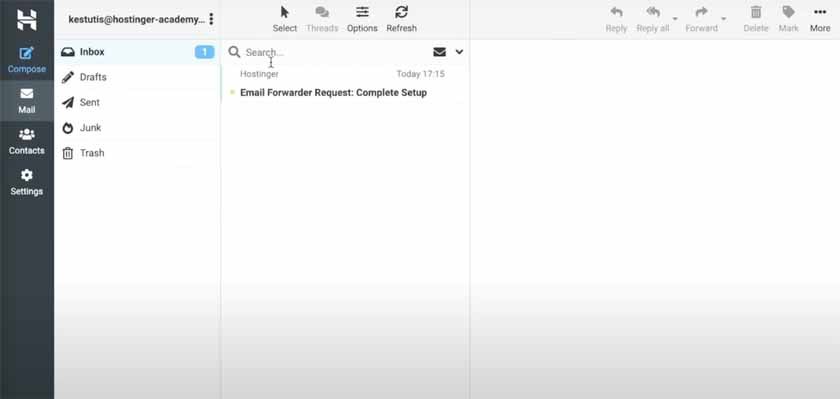
If you need both an email and website host and want an all-in-one solution, Hostinger is your best bet. Your business email has all the essentials you need. And you can even build your website easily on the platform using its AI site builder and dozens of professional templates. Therefore, Hostinger is especially useful for businesses managing multiple websites or email accounts.
When evaluating providers, I look at how efficiently they scale, and Hostinger stands out by letting you create dozens of inboxes and domains under a single plan. At the same time, it lacks advanced security features such as email encryption, making it best suited for businesses that prioritize affordability and convenience over enterprise-grade email protection.
Features
- Custom domain business email included with hosting plans
- Up to 100 email inboxes per plan
- Anti-spam and antivirus protection
- Up to 50GB email storage on higher tiers
- Website builder with templates and AI tools
- Free domain included with hosting plans
Hostinger pricing
- Starter Business Email: $2.95/mailbox/month or $0.45/mailbox/month billed annually; Includes business email hosting with essential features
- Premium Business Email: $5.95/mailbox/month or $2.45/mailbox/month billed annually; Includes increased storage and enhanced performance
- Website + Email Plans: Start at $2.99/month billed annually; Includes hosting, free domain (first year), and multiple email inboxes
Pros and cons
| Pros | Cons |
|---|---|
|
|
Bluehost: Best for multiple email aliases

Expert score: 4.47 out of 5
Why I chose Bluehost
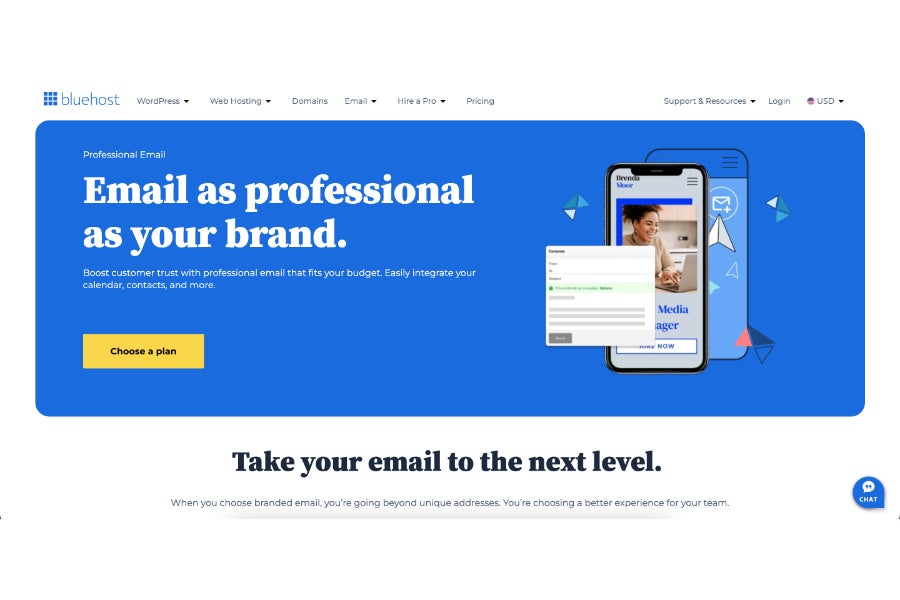
Bluehost stands out for how easily it handles multiple email aliases, which many small teams rely on but often don’t prioritize when choosing an email provider. If your business manages separate inbox identities like support@, sales@, or billing@, Bluehost makes it simple to route everything into one place without creating separate user accounts. That kind of setup can save time and reduce inbox clutter, especially for customer-facing teams.
Another reason Bluehost earned a spot here is its balance between email hosting and lightweight productivity features. It includes shared calendars, contacts, and task management, which adds more structure than basic email-only providers. While it doesn’t go as deep as Google Workspace or Microsoft 365, it covers the essentials well. The main limitation is scalability, since there aren’t true multi-user plans, and costs can increase as your team grows
Features
- Up to 25–50 email aliases per account
- 25GB to 80GB email storage
- Shared calendars, contacts, and tasks
- Spam filtering, antivirus, and anti-phishing protection
- Email forwarding, recall, and signatures
- Built-in document and file tools
Bluehost pricing
- Professional Email: $1.67/month (12-month term); Renews at $2.50/month and includes 25GB storage and 25 email aliases
- Professional Email Plus: $2.50/month (12-month term); Renews at $4.17/month and includes 80GB storage and 50 email aliases
- Professional Email Ultra: $5.83/month (12-month term); Renews at $9.17/month and includes expanded storage and advanced features
Pros and cons
| Pros | Cons |
|---|---|
|
|
ScalaHosting: Best for daily email backups

Expert score: 4.42 out of 5
Why I chose ScalaHosting
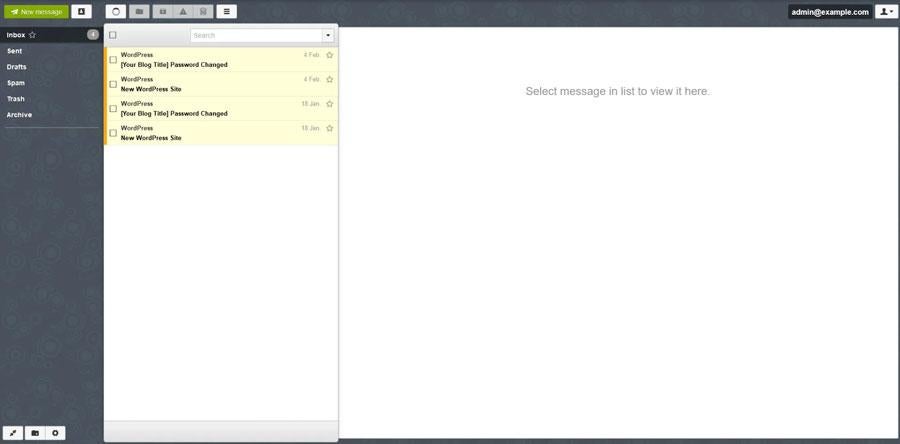
ScalaHosting earns its spot primarily for its built-in daily email backups, which aren’t commonly included across most business email providers. If your business relies heavily on email for records, like invoices, contracts, or customer communication, having automatic backups can make a real difference. The ability to restore emails directly from cPanel adds an extra layer of control that many providers don’t offer.
Another standout here is the combination of storage and security. Plans include generous mailbox sizes and features like blacklist monitoring and real-time malware protection on higher tiers. This makes it a strong fit for businesses that prioritize data protection and deliverability. The tradeoff is contract length and cost, but for teams that need consistent backups and added security, it fills a specific gap that other providers don’t address as directly
Features
- Daily email backups (up to multiple backups per day)
- 50GB to 150GB mailbox storage depending on plan
- Blacklist monitoring for email deliverability
- Real-time malware protection (higher tiers)
- POP3, IMAP, and SMTP support
- White labeling and custom branding options (higher tiers)
ScalaHosting pricing
- StartUp: $6.95/month or $4.95/month (3-year term); Includes up to 10 email accounts, 50GB storage each, and daily backups
- SmallBiz: $9.95/month or $6.95/month (3-year term); Includes up to 50 accounts, 100GB storage, and multiple domains
- Medium: $14.95/month or $9.95/month (3-year term); Includes up to 100 accounts, 150GB storage, and expanded domain support
- Cloud: $34.95/month or $14.95/month (3-year term); Includes unlimited accounts, advanced security, and dedicated resources
Pros and cons
| Pros | Cons |
|---|---|
|
|
IceWarp: Best for AI-powered business email

Expert score: 4.37 out of 5
Why I chose IceWarp
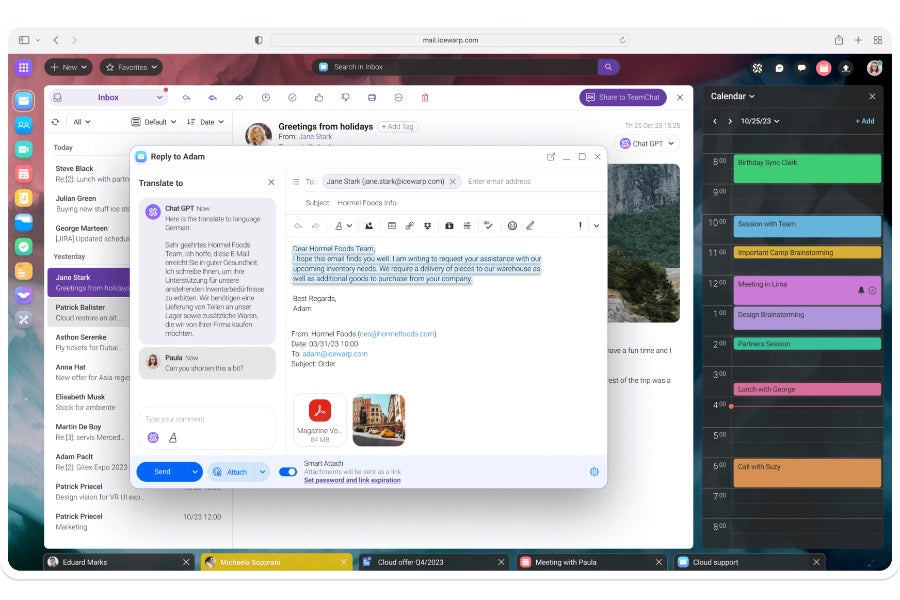
IceWarp stands out for how deeply AI is embedded into the email experience. Rather than treating AI as an add-on, it’s built into everyday workflows by helping draft emails, summarize conversations, and manage schedules. For small teams trying to save time on repetitive communication tasks, that kind of built-in assistance can make a noticeable difference.
Another reason IceWarp made the list is its combination of collaboration and communication tools in one platform. Alongside email, it includes chat, video conferencing, and document editing, which makes it feel closer to an all-in-one workspace. The high storage limits and large meeting capacities also make it suitable for growing teams. At the same time, the platform leans heavily on its AI features, which may take some adjustment depending on how your team prefers to work
Features
- Built-in AI assistant for writing, summarizing, and organizing emails
- Up to 200GB email storage and 1TB cloud storage per user
- Video conferencing for up to 1,000 participants with recording
- Real-time collaboration on documents, spreadsheets, and presentations
- Team chat, calendars, and task management tools
- Spam and antivirus protection
IceWarp pricing
- Business: $3.50/user/month; Includes 200GB email storage per user, 1TB file storage, collaboration tools, and AI-powered features
- Custom: Custom pricing (500+ users); Includes tailored plans for larger organizations with advanced requirements
Pros and cons
| Pros | Cons |
|---|---|
|
|
IONOS: Best for email hosting with a free domain

Expert score: 4.36 out of 5
Why I chose IONOS
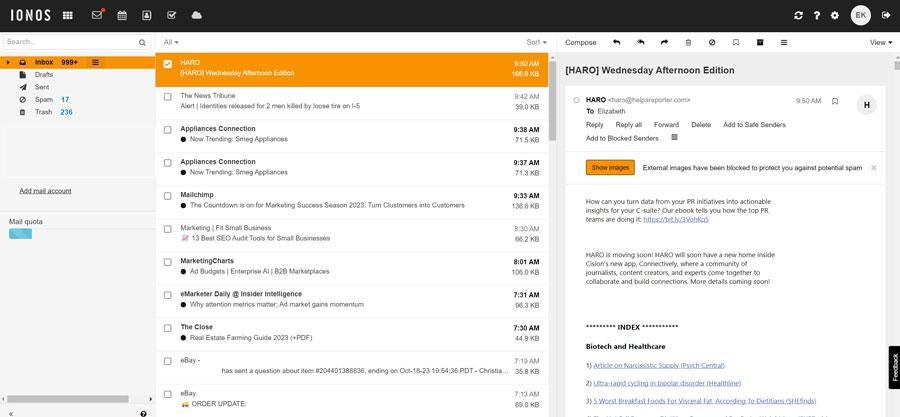
If you’re looking for a solid, secure, and reliable host to set up your business emails on and don’t need extra content, IONOS is one of your best options. For small businesses just getting started, the ability to bundle a domain, SSL, and email into a single low-cost plan removes much of the friction that usually comes with setting up branded email.
Another strength is its focus on reliability and support. IONOS has built a reputation around responsive customer service and consistent uptime, which matters when email is a primary communication channel. While it doesn’t compete with full productivity suites, it covers the essentials well, including secure email hosting, basic organization tools, and scalable plans. It’s also a better fit for businesses that want a dedicated email solution rather than an all-in-one workspace.
Features
- Custom domain email included with select plans
- Built-in spam filtering and antivirus protection
- Webmail interface with calendar, contacts, and tasks
- IMAP and POP support for external email clients
- Cross-device syncing
- 24/7 customer support
IONOS pricing
- Mail Basic 1: $4/month or $1.10/month (3-year term); Renews at $2/month and includes 2GB storage and basic email features
- Mail Basic 25: $6/month or $2/month (3-year term); Renews at $4/month and includes expanded storage and features
- Mail Business: $6/month or $3/month (3-year term); Includes enhanced email functionality and multi-user support
Pros and cons
| Pros | Cons |
|---|---|
|
|
Proton Mail: Best for advanced email security

Expert score: 4.16 out of 5
Why I chose Proton Mail
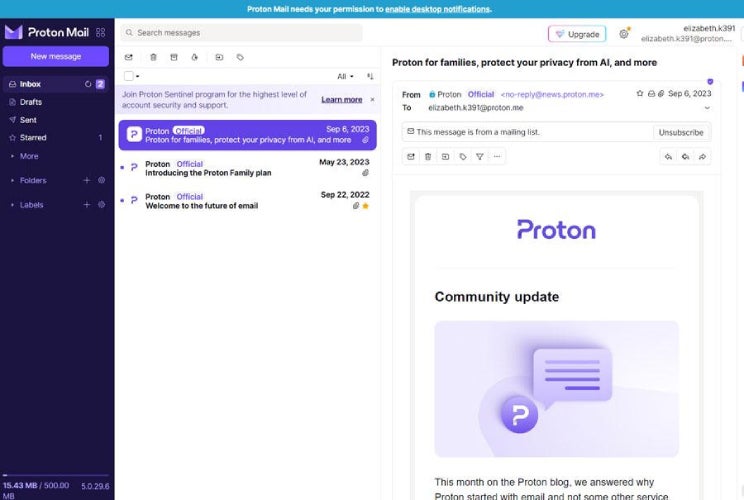
If your organization needs the most private, secure business email provider on the market, Proton Mail’s business plans are hard to beat. As one of the few providers that can ensure both HIPAA and GDPR-compliant business email services, it is ideal for businesses that value security or have customers in EU member countries.
What makes Proton Mail especially compelling is that these protections extend across all plans, including the free tier. It also includes features like password-protected emails and encrypted file sharing, which can be useful for client-facing communication. While it doesn’t include all of the collaboration tools found in platforms like Google Workspace or Microsoft 365, it fills a different role as a secure communication channel for businesses that prioritize privacy over productivity suites.
Features
- End-to-end and zero-access encryption for emails
- Password-protected emails and message expiration
- GDPR-compliant infrastructure
- Encrypted file sharing and calendar tools
- Email aliases and custom domain support (paid plans)
- Built-in VPN and privacy tools (higher tiers)
Proton Mail pricing
- Free: $0; Includes 1GB storage, ProtonMail.com email, and basic features
- Mail Plus: $4.99/month or $2.99/month billed annually; Includes custom domain support, more storage, and additional addresses
- Proton Unlimited: $12.99/month or $9.99/month billed annually; Includes expanded storage, VPN, and full Proton suite
- Proton Duo: $19.99/month or $14.99/month billed annually; Includes multiple users and expanded features
Business plans:
- Mail Essentials: $7.99/month or $6.99/month billed annually
- Mail Professional: $10.99/month or $9.99/month billed annually
- Proton Business Suite: $14.99/month or $12.99/month billed annually
- Enterprise: Custom pricing
Pros and cons
| Pros | Cons |
|---|---|
|
|
InMotion Hosting: Best for guaranteed uptime on your emails

Expert score: 4.12 out of 5
Why I chose InMotion Hosting
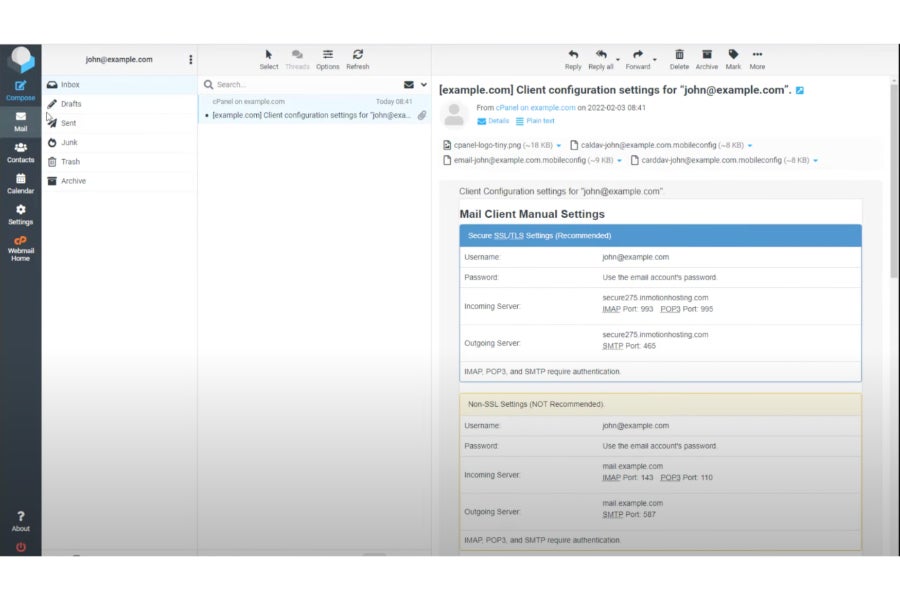
While InMotion isn’t a standalone email host, it provides the best email hosting for businesses that want the highest guaranteed uptime, especially if they also have a website. The 99.9% uptime guarantee, combined with zero-downtime migrations, makes it a strong option for teams that depend heavily on email for time-sensitive communication. For industries like finance, healthcare, or customer support, that level of consistency can be a deciding factor.
Since email is bundled with its web hosting plans, you get a broader infrastructure that includes website hosting, security features, and performance optimization through its UltraStack technology. That makes it a practical choice for businesses looking to consolidate tools.
Features
- Zero-downtime migration and transfer services
- Email hosting is included with web hosting plans
- UltraStack performance technology for faster data processing
- Free domain and SSL included
- Built-in security with malware and DDoS protection
InMotion Hosting pricing
- Growth Email: $2.50/mailbox/month or $2/mailbox/month billed annually; Renews at $3–$3.50/month and includes core business email features
- Business Email: $5/mailbox/month or $4.50/mailbox/month billed annually; Includes expanded storage and additional functionality
- Enterprise Email: $9.49/mailbox/month or $8.49/mailbox/month billed annually; Includes advanced features and higher performance capabilities
Pros and cons
| Pros | Cons |
|---|---|
|
|
Methodology: How I evaluated the best business email providers
All businesses need an email that can be accessed quickly, securely, and reliably, with enough storage to keep messages from bouncing. However, solopreneurs may only need a single email address, while growing companies need scalable solutions.
Because of this, I looked at options that can serve anyone, from sole proprietors to businesses with multiple employees, agencies, and resellers, using the following evaluation criteria:
- Pricing (25%): Cost is a driving factor for most small businesses. Therefore, affordability, the ability to pay monthly vs annually, the availability of standalone email plans, and all-in-one cost-saving bundles all factored into my ratings.
- General features (20%): General features address not only the essentials that business email users need (such as adequate storage, multi-user plans, and data, spam, and virus protection), but also the overall product value vs. cost.
- Niche features (20%): Niche features include built-in AI writers (look for more email apps to have this soon). I also looked at end-to-end encryption for HIPAA and GDPR compliance, private domain registration, and built-in chat or video communication tools (and any other software that comes with the plan).
- Support (10%): The platforms above were also rated on the quantity and quality of self-help resources available to users, as well as the level of customer support for setup, troubleshooting, and account management.
- Expert score (25%): Regardless of how a provider scores on paper, how it works in the real world is a key factor. I reviewed the providers and evaluated the proficiency of their features for small businesses, including referencing third-party customer feedback.
5 things to consider when choosing an email host
When comparing business email providers, consider factors such as other services your company may need now or in the future. Also, compare providers’ uptime and inclusions to ensure you’re getting a reliable partner for business email.
- Business goals: Your priorities should always be the number one consideration when choosing the best email host for your business. Do you prioritize security, ease of use, or affordability? Each provider has its own set of features and benefits that may or may not be the best fit for your business.
- Extra features: The best business email providers can also offer productivity and team collaboration tools that can help your business substantially. Take note of other features you may need to help you select the best provider for your business.
- Previous reviews: Most email hosting services have customer reviews published on major tech review sites. But sites like Reddit are also good places to research tech companies and get real customer takes on which services are best or which to avoid. Taking the time to check customer sentiment and reliability can save you time and increase your revenue.
- Scalability: As your business grows, will your email provider accommodate the additional accounts, storage, and features your team will need? What about future plans? For instance, you may not need a website now, but you may in the future, and hosting it on the same provider as your email will be more convenient.
- Cost: No small business’s marketing budget is the same. Aside from evaluating whether your email host fits your budget, consider whether you’re getting enough features and benefits from your plan, and whether your provider’s pricing scheme is sustainable.
Frequently asked questions (FAQs)
What is the best email to use for a business?
The best overall email host for small businesses is Google Workspace. It’s the easiest platform to use, is trusted by big and small businesses, and comes with productivity and team collaboration tools — all at affordable pricing. If you’re new to business email, I recommend Google Workspace as your email host. Some other good platforms to consider are Microsoft 365 for advanced tools and Zoho Mail for affordable (and free) plans.
What emails do most businesses use?
Most businesses use Google Workspace (Gmail) or Microsoft 365 (Outlook). These are the two leading email providers in the world, offering secure email hosting and built-in productivity, video conferencing, and team collaboration tools on custom email domains.
Is Gmail or Outlook better for businesses?
For a completely beginner-friendly solution, Gmail (aka Google Workspace) is the better option. Meanwhile, if you want more advanced productivity tools, such as automated workflows, Microsoft 365 (Outlook) is a better fit. Google Workspace is also better-suited to longtime Google users, and vice versa for Microsoft 365. Google allows automatic syncing of your work (unlike Microsoft), while Microsoft has higher attachment and video-conferencing limits.
Bottom line
A professional email for your business is a must-have if you want to build your long-term brand credibility. The good news is that with many of the best business email providers, your business email also comes with dozens of handy features, including productivity suites, security, and even website building. In this guide, I recommend Google Workspace as the best all-around solution for its email capabilities, ample storage, and productivity tools.